QR Code Generator
Paste a link, generate a scannable QR code, and download it in seconds.
Choose from ready-made designs.
Add your logo and brand colors.
Use it for websites, menus, events, and more.
By uploading a file, you agree to our Terms of Use and acknowledge our Privacy Policy
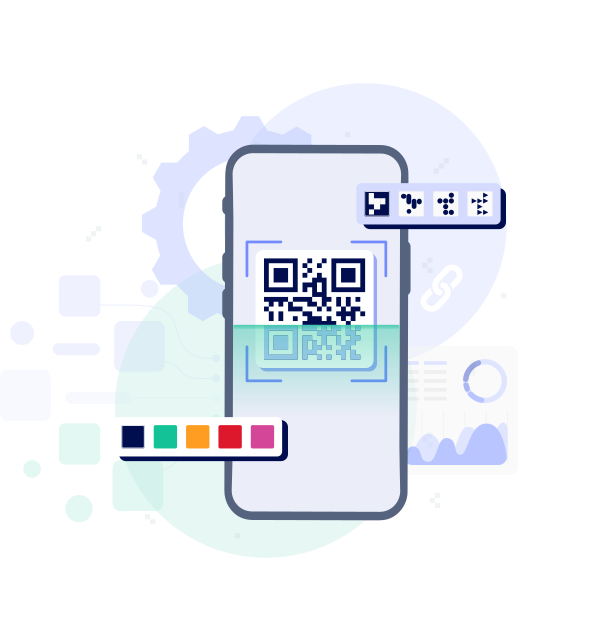
How to create a QR code

1
Add the link you want to use in your QR code.
2
Customize the design and preview how it will look.
3
Download your QR code and use it anywhere.
Why TheBestPDF is the top choice for your team

Safe
Keep your business data safe with HTTPS encryption, ensuring every file creation is secure.

Business-oriented
Redact, insert objects, and sign PDFs easily, making document management smooth for your organization.

Quick
Our PDF converter makes document conversion fast, perfect for busy teams.

Easy to use
Set up your company's document workflows easily with our user-friendly editor interface.

TheBestPDF delivers top‑tier file management solutions for teams of all sizes.