







QR Code Generator
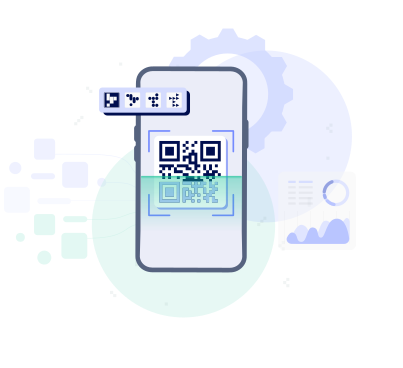
Paste a link, generate a scannable QR code, and download it in seconds.
How to create a QR code

1
To continue using TheBestPDF, choose one of our subscription plans.
2
Add the link you want to use in your QR code.
3
Customize the design and preview how it will look.
4
Download your QR code and use it anywhere.
Why TheBestPDF is the top choice for your team

Safe
Keep your business data safe with HTTPS encryption, ensuring every file creation is secure.
Business-oriented
Redact, insert objects, and sign PDFs easily, making document management smooth for your organization.
Quick
Our PDF converter makes document conversion fast, perfect for busy teams.
Easy to use
Set up your company's document workflows easily with our user-friendly editor interface.TheBestPDF delivers top‑tier file management solutions for teams of all sizes.

Edit PDFEdit PDFSign PDFDelete PagesCrop PDFMerge PDFMerge ImagesSplit PDFCompress PDFCompress ImagesPDF OCRScan to PDFRemove WatermarkUnlock PDFEnhance Image




 Languages
© TheBestPDF. All rights reserved 2024.Xafenil Limited, Archiepiskopou Makariou III, 95, Charitini Court, 1st floor, office 102, 1071 Nicosia, Cyprus.