


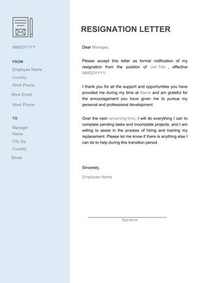
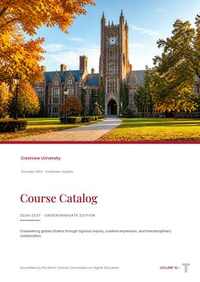


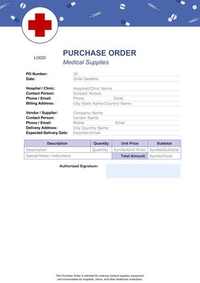
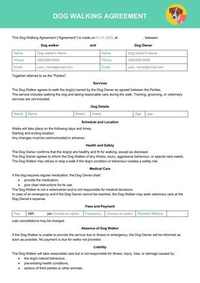
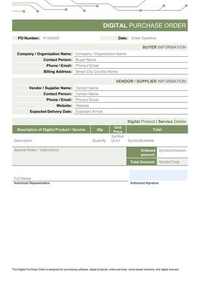

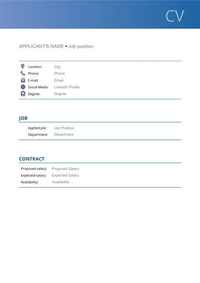

AI-powered: Image upscaling automatically improves clarity and detail.
AI Photo Enhancer
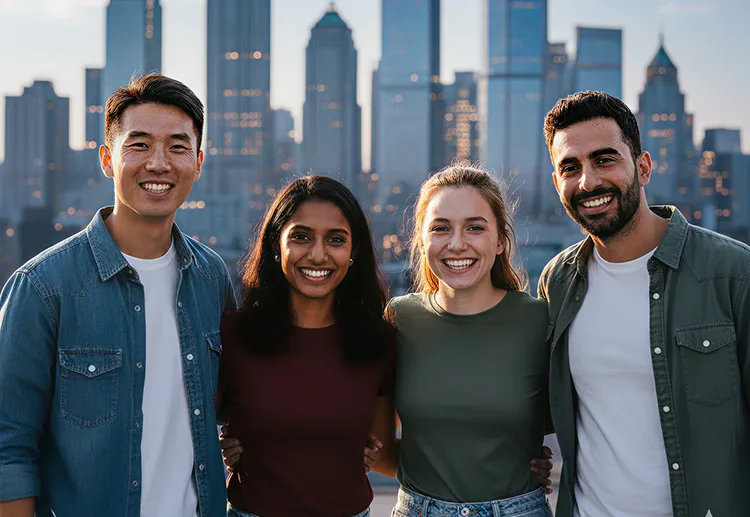

BEFORE
AFTER

Drag & drop your file
or
Size up to 7 MB. Supported formats: JPG, PNG, WebP.
By uploading a file, you agree to our Terms of Use and acknowledge our Privacy Policy.
How to enhance a photo

1
To continue using TheBestPDF, choose one of our subscription plans.
2
Upload your photo and choose the enhancement level.
3
Wait a few seconds while the AI upscales the picture.
4
Download your enhanced, high-resolution photo.
Why use our AI image enhancer

Advanced AI model
The enhancer uses advanced AI trained to improve clarity and recover fine detail in real photos.
No manual editing
You upload your image and AI does the work — no sliders, layers, or editing skills required.
Image upscaler built in
Sharpen images and upscale resolution in one pass for better clarity and size.
Works on any image
Supports JPG, PNG, WebP, and more — use it on photos, scans, or exported graphics.What you can do with our image enhancer
From a blurry scan to a decades-old print, our AI image enhancement tool handles the jobs that manual editing struggles to fix.
Unblur photo. Recover focus on a shot taken in low light or motion.
Sharpen blurry PDF. Run an embedded image through the enhancer to crisp up a scanned document.



FAQ
Edit PDFEdit PDFSign PDFDelete PagesCrop PDFMerge PDFMerge ImagesSplit PDFCompress PDFCompress ImagesPDF OCRScan to PDFRemove WatermarkUnlock PDFEnhance ImageInvoice Generator




© TheBestPDF. All rights reserved 2026.Xafenil Limited, 1 Apriliou 2A, 4630 Erimi, Limassol, Cyprus.