



Split PDF Online
By uploading a file, you agree to our Terms of Use and acknowledge our Privacy Policy.

Drag & drop your file
or
Size up to 100 MB
How to split a PDF

1
To continue using TheBestPDF, choose one of our subscription plans.
2
Drag and drop your PDF into the tool, or browse to select the file from your device.
3
Choose the pages you want to keep — enter a page range, pick individual pages, or split by every page.
4
Download your new PDF files, or find them saved in your account for later.
When splitting a PDF gets the job done
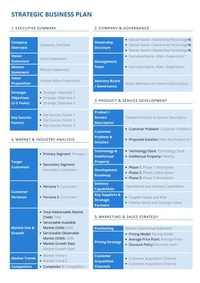
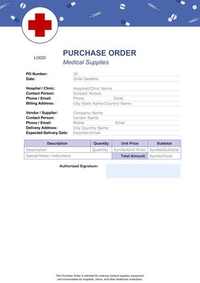
Whether you need to share partial PDF content, break big PDF files into parts, or separate chapters for a client, splitting handles it cleanly.
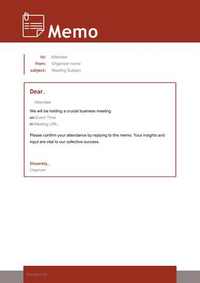
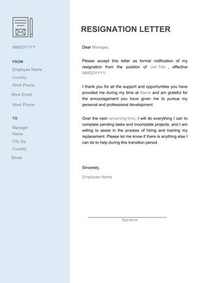
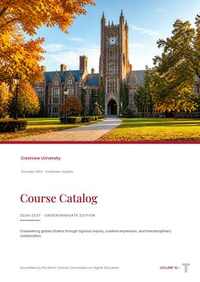
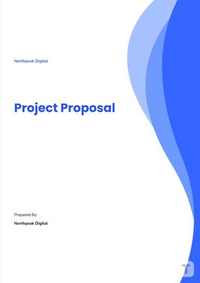
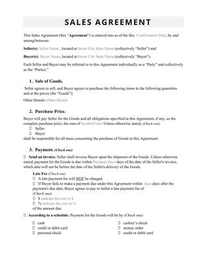
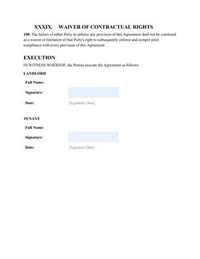
Single-page pull. Split PDFs into pages — pulling out a signature block, a cover sheet, or one exhibit — as its own file.


What our PDF splitter gives you

Page-level control
Extract pages from PDF files individually or by range. The rest of the PDF document stays untouched.
Original preserved
Splitting creates new files; your original PDF is never overwritten or altered.
Any file size
Split large PDF files up to 100 MB without errors or page-count restrictions slowing you down.
Merge ready
Use our merge tool right after to recombine any split PDF files into a new arrangement.Frequently asked questions
Yes. When you split a PDF online with our tool, you can target a single page and save one page as a PDF of its own. Enter that page number in the page selection field, and only that page comes out. The rest of the PDF document remains unchanged and is not included in your download.
Yes. The splitter lets you define a start page and an end page, so you can split by page range and extract exactly the section you need. You can also define multiple ranges if you want to produce several separate files from one original PDF in a single session.
No. Splitting always produces new PDF files — it does not overwrite or modify the file you uploaded. Your original remains intact, and each output is a separate, independent PDF file you download on its own. Nothing about the source document changes.
There is no fixed page-count ceiling on splitting. The main constraint is file size: uploads are accepted up to 100 MB per file. A PDF with a very large number of pages that stays within that size limit can be split normally. If your file exceeds the limit, reducing its size with our PDF compressor first is a practical option.
Yes. You can split PDF files into multiple outputs at once — for example, split PDF every N pages or produce several range-based files from one document. Each output is available as an individual download, and they are all kept in your account.
Yes. TheBestPDF includes a merge tool alongside its PDF splitter. After you split PDF files and download them, you can open the merge tool, upload the pieces, reorder them if needed, and combine them into a new PDF. There is no need to use a separate service for that step.
Yes. Because the tool runs in your browser, you can split a PDF online from any device with a modern browser — desktop, laptop, or tablet — without installing anything. An Android app is also available if you prefer working from your phone.
You can cancel anytime in Account > Billing, or contact support, and we'll help.
Edit PDFEdit PDFSign PDFDelete PagesCrop PDFMerge PDFMerge ImagesSplit PDFCompress PDFCompress ImagesPDF OCRScan to PDFRemove WatermarkUnlock PDFEnhance ImageInvoice Generator




© TheBestPDF. All rights reserved 2026.Xafenil Limited, 1 Apriliou 2A, 4630 Erimi, Limassol, Cyprus.