

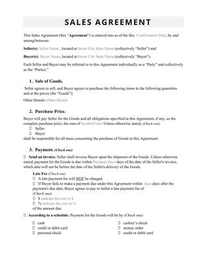
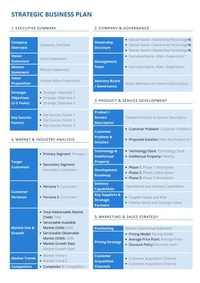
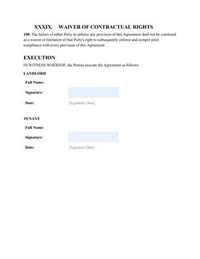
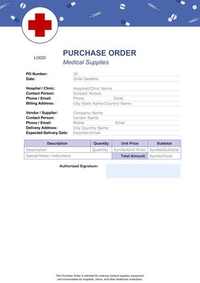

PDF to JPG Converter
By uploading a file, you agree to our Terms of Use and acknowledge our Privacy Policy.
Drag & drop your file
or
Size up to 100 MB
How to convert PDF to JPG

1
To continue using TheBestPDF, choose one of our subscription plans.
2
Upload your PDF file by dragging it onto the page or clicking to browse.
3
Our PDF to JPG converter processes each page and produces a JPG image for every one.
4
Download your converted JPG files, which are also saved to your account for later.
When you need a PDF as an image
Converting PDF to JPG online covers a wide range of everyday tasks — from pulling a single slide to shrinking a document for a web upload.
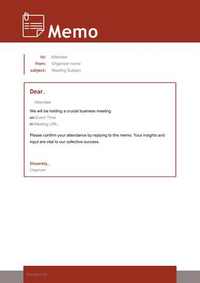
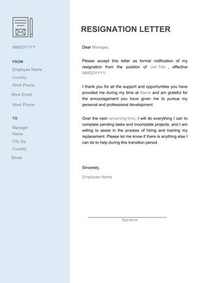
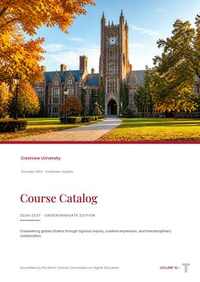
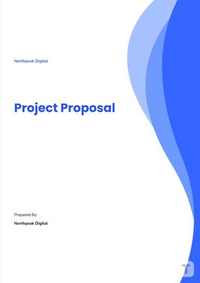
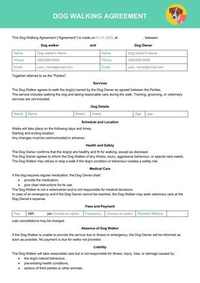
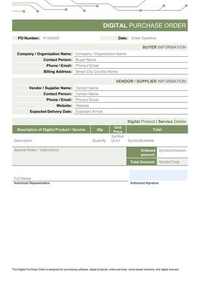
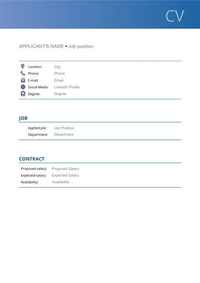
PDF to JPG single page. Pull one page from a multi-page PDF as a standalone JPG image.
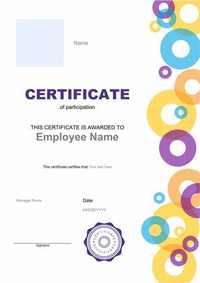
Slide or cover art. Export a title page or presentation cover as a JPG for a proposal deck.

What you get with our PDF converter

Page-by-page output
Each PDF page becomes its own JPG file, clearly named and ready to download.
No format guesswork
PDF to JPEG and PDF to JPG produce the same result — both are fully supported.
PDF tools in one place
Edit, merge, compress, or OCR the same PDF before you convert it, without switching tools.
Account storage
Converted JPG files stay in your TheBestPDF account so you can return to them later.Frequently asked questions
Upload your PDF file to our PDF to JPG converter and let it process the document. TheBestPDF renders each page at a high resolution so the converted JPG retains sharp text and clear images. There is no need to adjust any settings — PDF to JPG high quality output is the default. Once conversion finishes, download each JPG file individually or grab them all at once.
Each page in the PDF becomes a separate JPG image. If your document has ten pages, you will get ten individual JPG files after conversion. They are named in page order, so reassembling or sorting them later is straightforward. This approach keeps every page at full resolution rather than stitching them into a single oversized file.
Nothing meaningful — JPG and JPEG refer to the same image format. JPEG stands for Joint Photographic Experts Group, and JPG is simply the three-letter file extension used on older systems that could not handle four-letter extensions. Any tool or platform that accepts one accepts the other. When you use our converter to produce a PDF to JPEG file, the output is identical to a PDF to JPG file.
Yes. Before running the conversion, use our PDF split tool to isolate the page you want, then convert that single-page PDF to JPG. This gives you a clean PDF to JPG single page export without any unwanted pages in the output. Both tools are available in the same browser workspace, so you do not need to download an intermediate file.
TheBestPDF runs in your browser, so converting PDF to JPG online works on any device with an internet connection — no installation needed. Open the PDF to JPG converter in your mobile browser, upload your file, and download the resulting images. Android users can also use the TheBestPDF app as an alternative to the browser. There is no desktop software to install on any platform.
Our converter turns each PDF page into a JPG image, which effectively extracts the visual content of every page. If the page contains a photograph or diagram, that content appears in the converted JPG file. This is a reliable way to convert PDF to image format and recover visuals from documents you have received as PDFs. For precise image-layer extraction, a dedicated graphics tool may give you more control over individual embedded assets.
DPI is set at the point the PDF is created, not during a format conversion. You can review DPI information in the document properties of the software that produced the PDF. When you change PDF to JPG using TheBestPDF, the converter renders pages at a consistent resolution suited to on-screen use and standard printing. If you need a very high DPI for large-format print work, start with a high-resolution source PDF for the best result.
No software installation is required — the PDF to JPG converter runs entirely in your browser. To download your converted JPG files and have them saved to your account, you will need a TheBestPDF subscription. There is no one-off desktop application to download or update; every PDF to JPG online conversion happens through the browser workspace, and your files are accessible from any device where you log in.
You can cancel anytime in Account > Billing, or contact support, and we'll help.
Edit PDFEdit PDFSign PDFDelete PagesCrop PDFMerge PDFMerge ImagesSplit PDFCompress PDFCompress ImagesPDF OCRScan to PDFRemove WatermarkUnlock PDFEnhance ImageInvoice Generator




© TheBestPDF. All rights reserved 2026.Xafenil Limited, 1 Apriliou 2A, 4630 Erimi, Limassol, Cyprus.