
Fill Out Form W-2 in 2026
Record wages, tips, and withheld taxes exactly as your employer reports them, then sign where allowed and download your copy for tax time.
PDF ready. No upload needed.
Based on 36,664 reviews
How to fill out a W-2 Form
Follow the steps below and you'll finish with no guesswork.
Open the form
Access the pre-loaded W-2 Form in our editor—no upload needed to begin.
Fill in your details
Complete every required box, including wages, tips, and federal tax withheld.
Download as PDF
Save your completed W-2 Form as a PDF file, ready to keep or hand off.
What is a W-2 Form?
A W-2 Form is an IRS form your employer sends you each year, with a copy filed with the Social Security Administration. It reports your total wages and the federal, state, and local taxes withheld from your paycheck, along with Social Security and Medicare contributions. You need it to file an accurate income tax return, since it confirms your income and the taxes already paid, which determines whether you get a refund or owe more.
Key Takeaways
- Employers issue Form W-2 by year-end
- Reports wages and tax withheld
- Includes Social Security and Medicare amounts
What is a W-2 Form used for?
Employers use Form W-2 to summarize what they paid you and what taxes they withheld during the year. This information serves several purposes:
- Reports your total wages, tips, and other compensation
- Shows federal, state, and local tax withholding
- Records Social Security and Medicare taxes sent to the SSA
- Gives you the numbers needed to file an accurate Form 1040
- Lets the IRS and SSA confirm your reported income matches your employer's records
What information is required on a W-2 Form?
Employee's social security number
Enter the employee's 9-digit Social Security number exactly as issued.
Employer identification number (EIN)
Enter the employer identification number assigned to the business by the IRS.
Employer's name, address, and ZIP code
Enter the employer's legal name and complete mailing address, including ZIP code.
Control number
Optionally enter a reference number your payroll system uses to identify this W2.
Employee's name and address
Enter the employee's full legal name and current mailing address.
Wages, tips, other compensation
Enter total taxable wages, tips, and other compensation paid during the year.
Federal income tax withheld
Enter the total federal income tax withheld from the employee's pay.
Social security wages and tax withheld
Enter taxable Social Security wages and the Social Security tax withheld from them.
When is a W-2 Form due?
Employers must send employees their W-2 Form by January 31 each year, the same date Copy A is due to the Social Security Administration, whether filed on paper or electronically. If January 31 falls on a weekend or holiday, the deadline shifts to the next business day. Extensions of time to file with the SSA are not automatic.
Annual deadline to furnish and file Form W-2
Get your W-2 Form ready now
Open the W-2 Form here, fill in each box with your wage and tax details, then download your completed copy.
When is a W-2 not required?
You skip a W-2 when total wages stay under $2,000 and no income, Social Security, or Medicare tax gets withheld, a threshold that now covers certain election workers and foreign agricultural workers. If one never arrives despite meeting the reporting thresholds, the employee reconstructs earnings using Form 4852 instead of waiting further.
What does a W-2 form look like
Related documents
Other forms people fill out alongside this one.
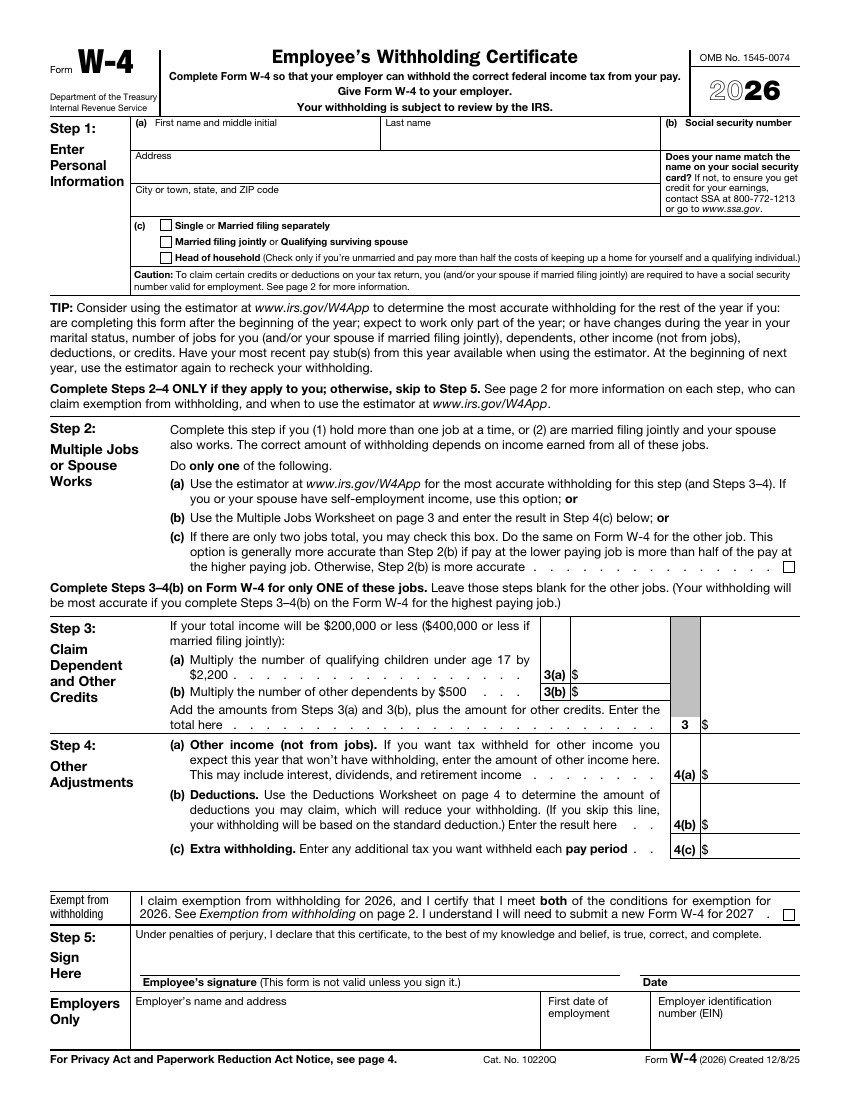
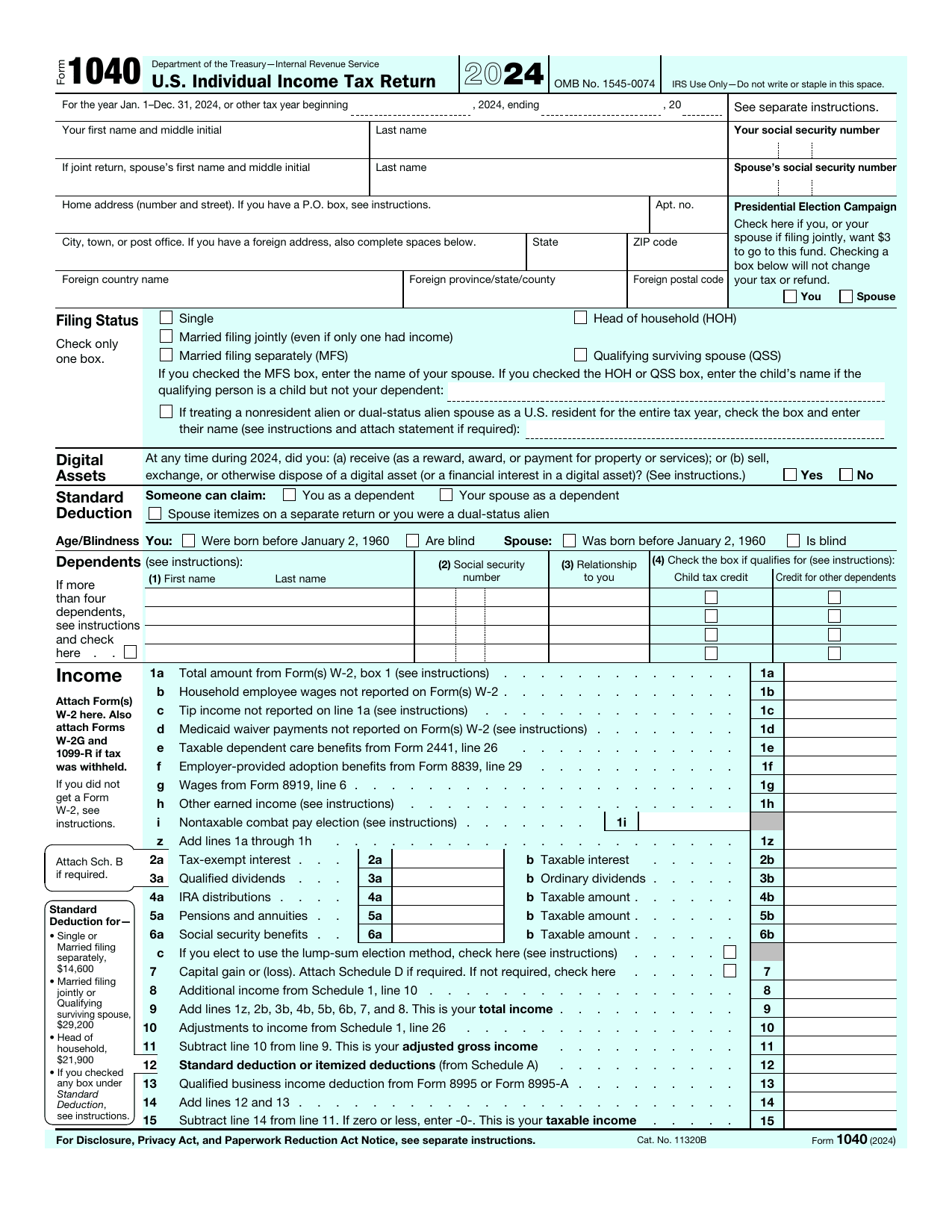

Frequently asked questions




