
Invoice Templates
Invoice templates are essential tools for businesses, providing a structured format to outline services, costs, and payment terms. They make billing more efficient by ensuring all necessary details are covered.
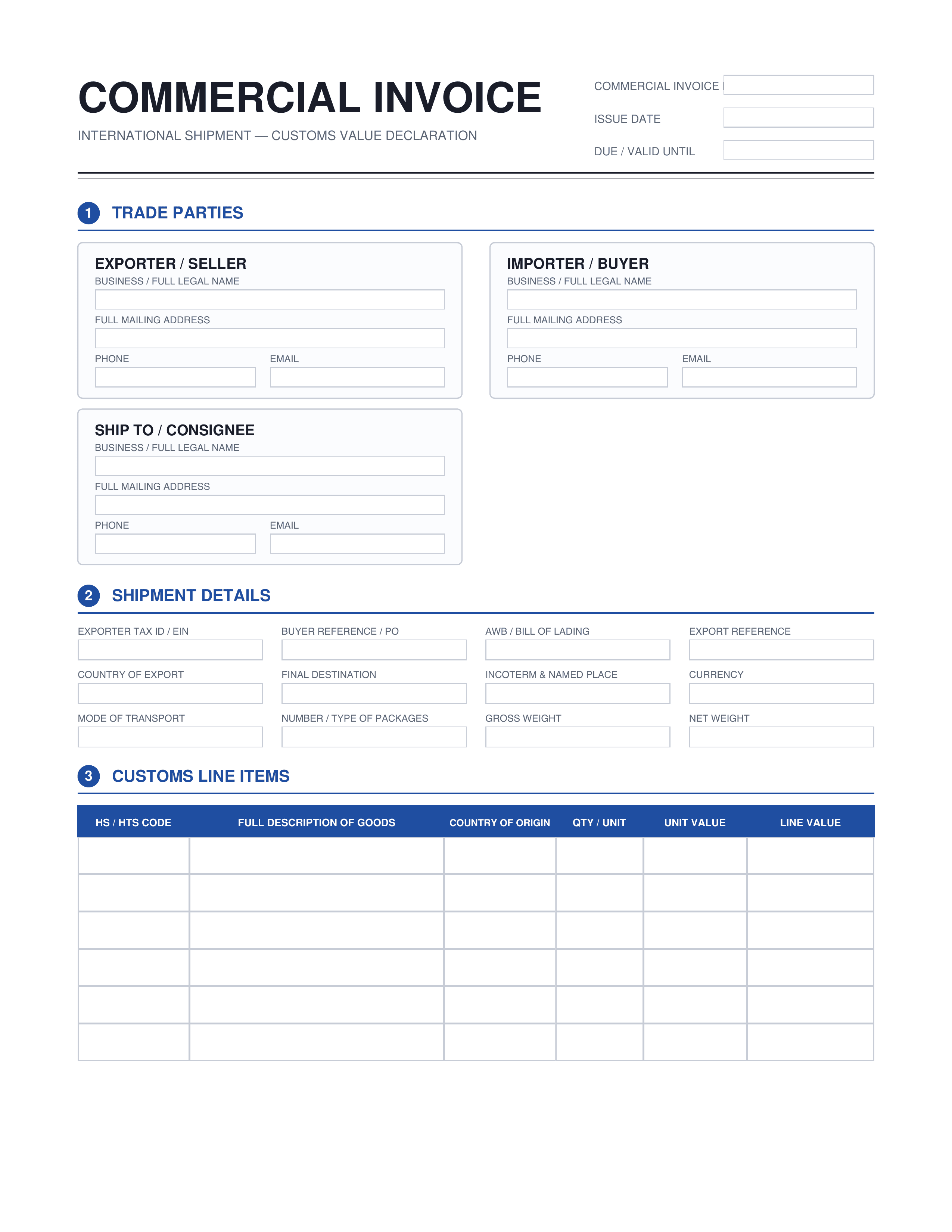
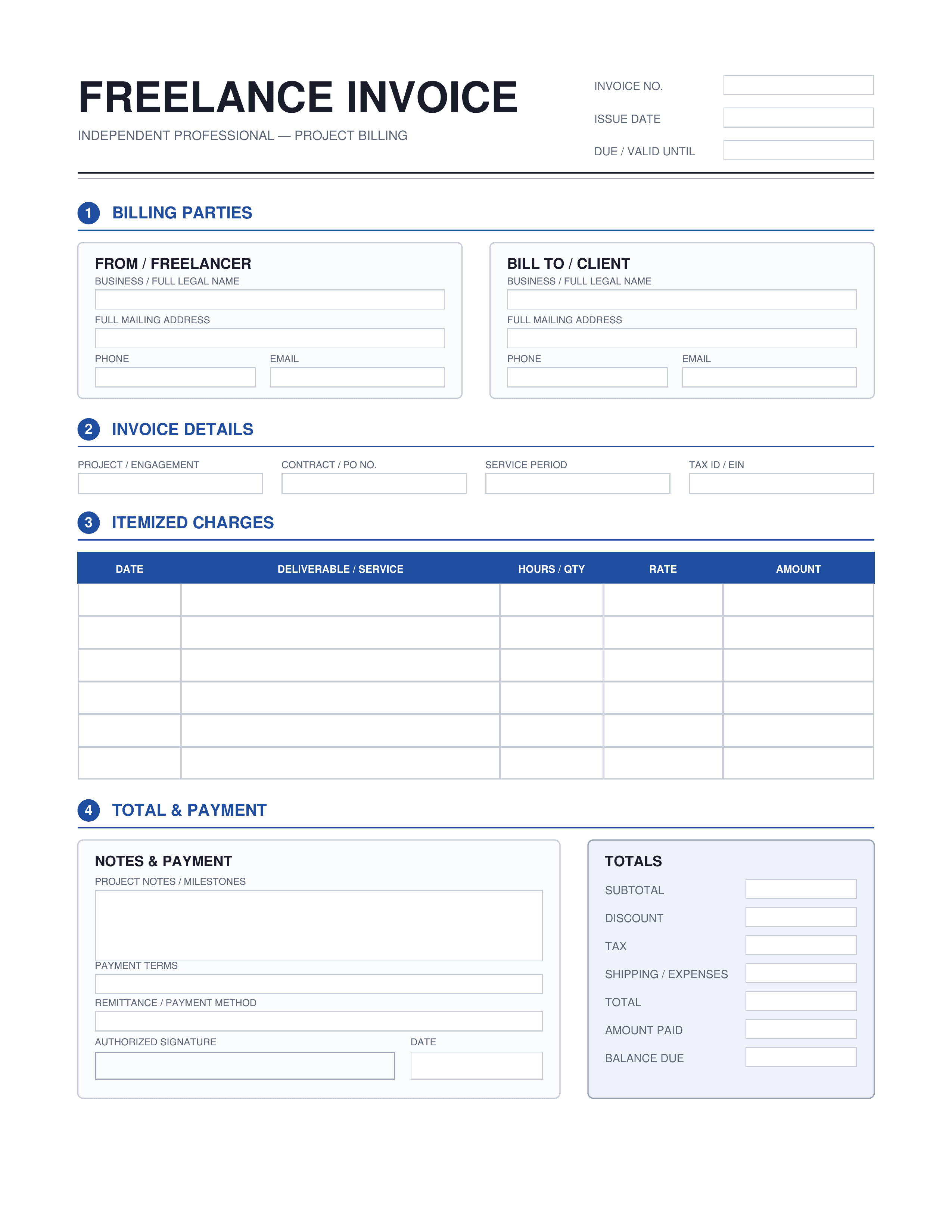
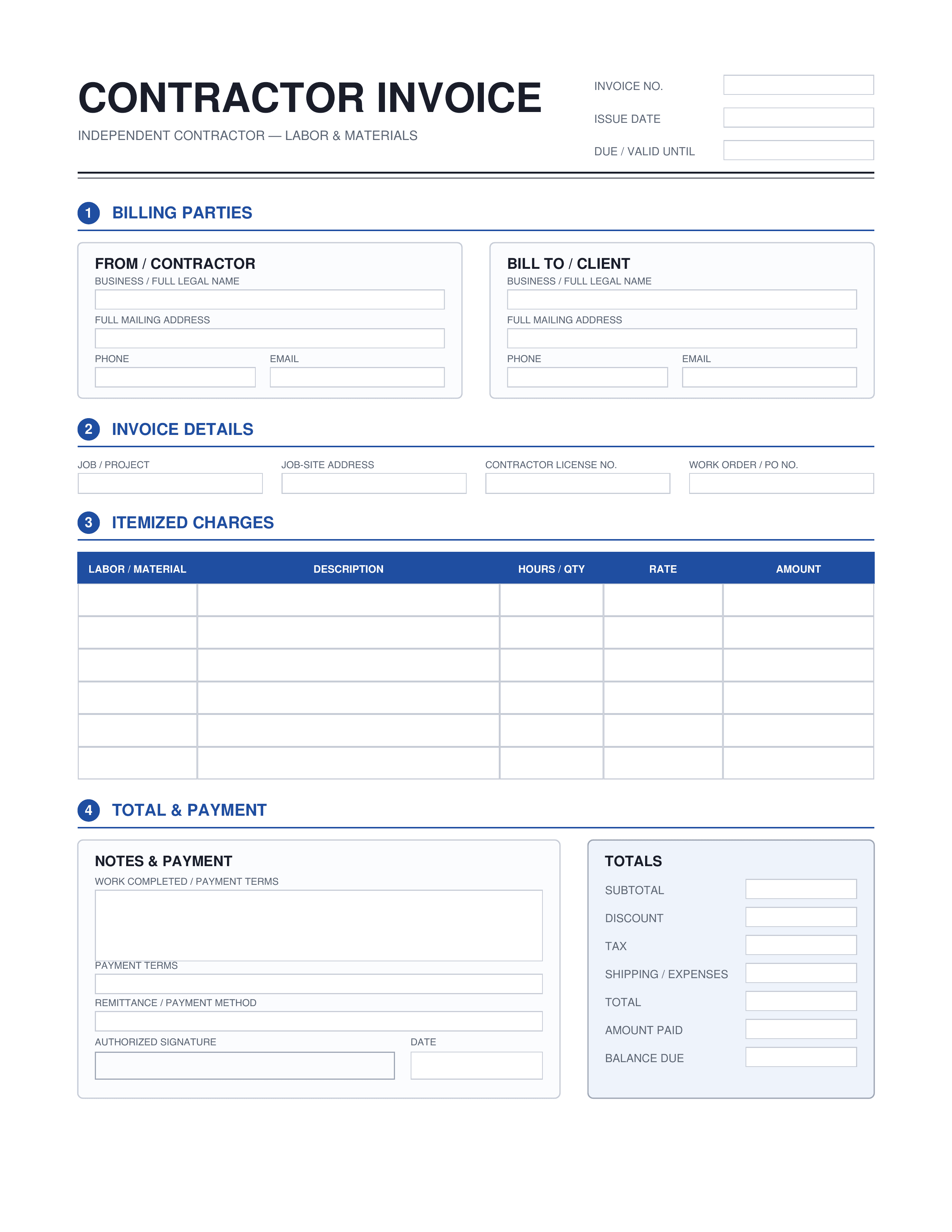
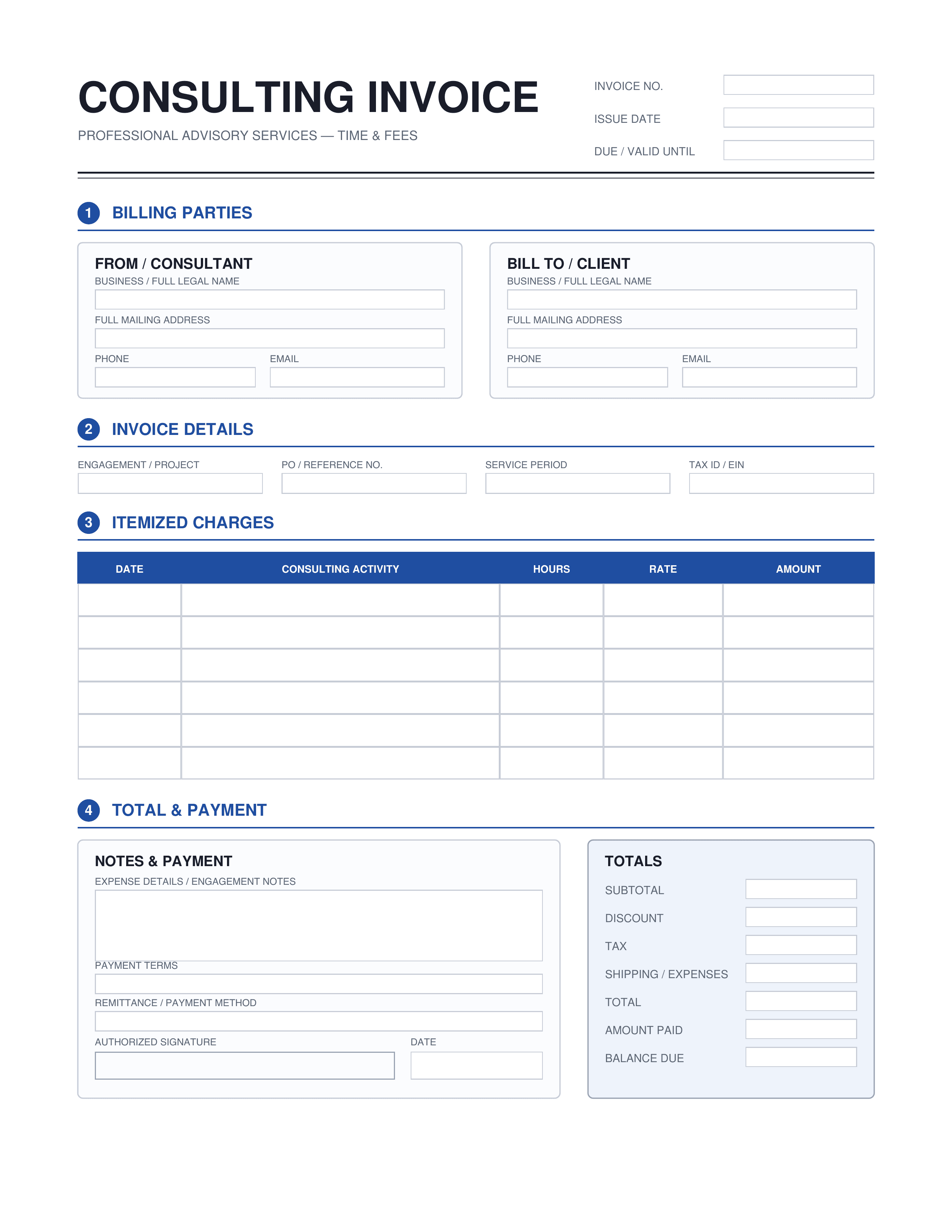
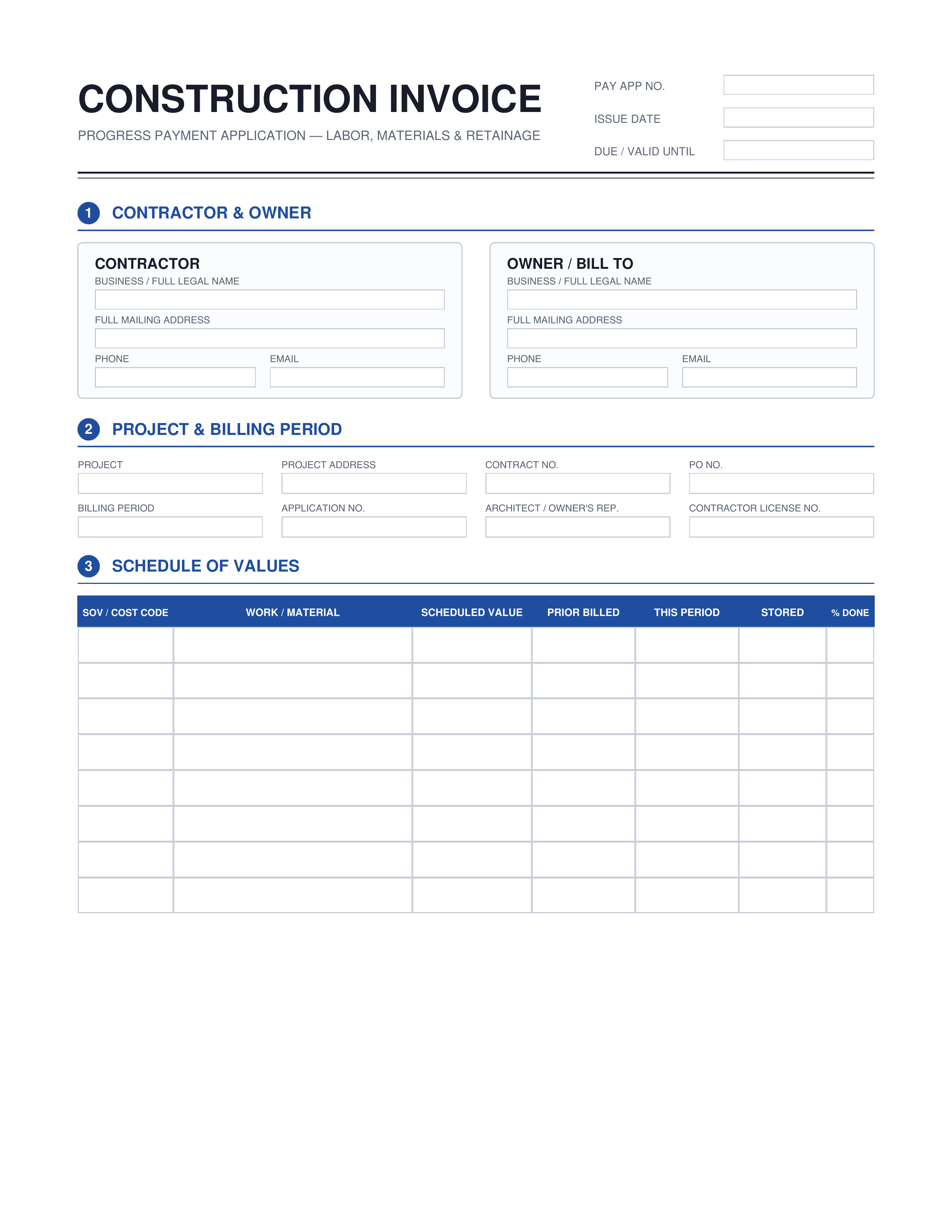
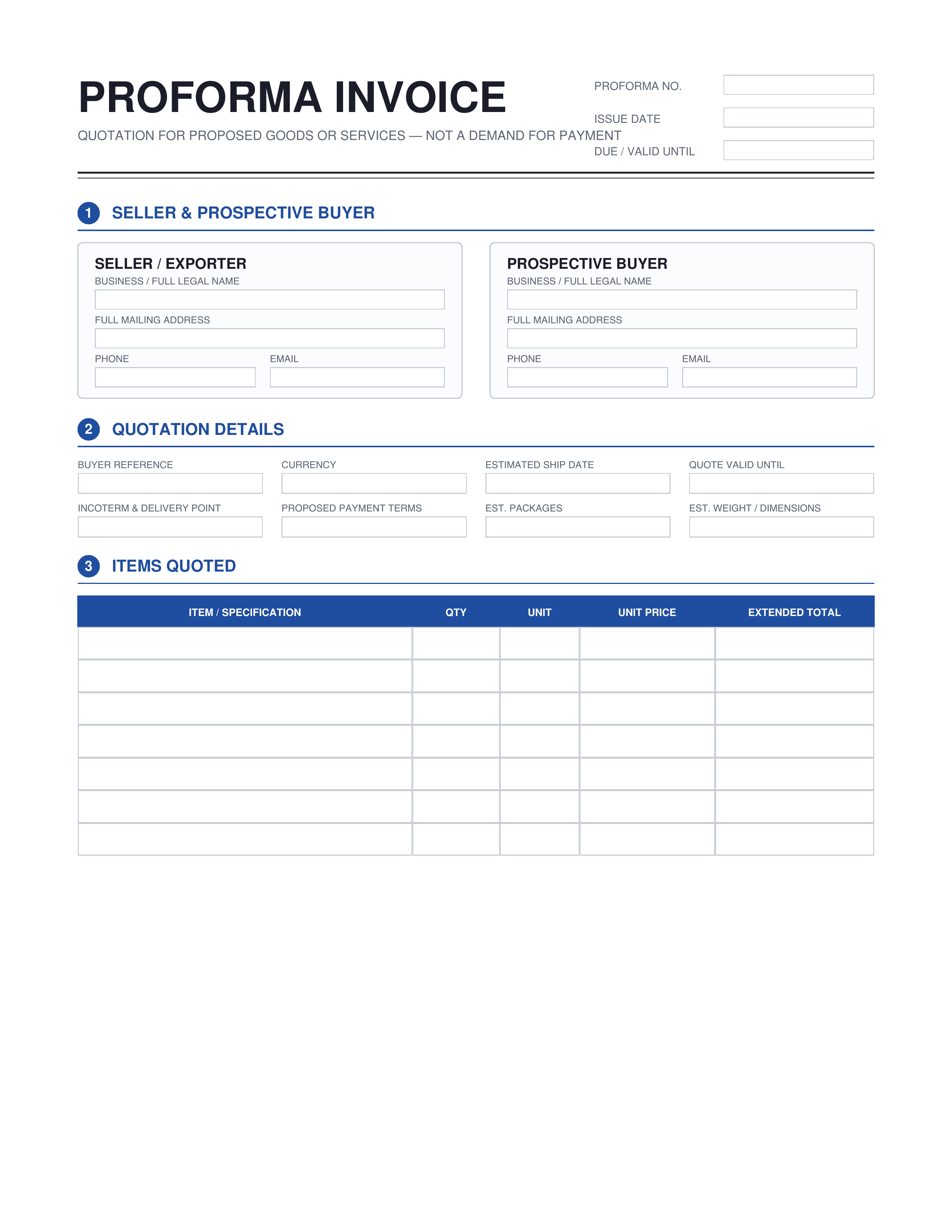
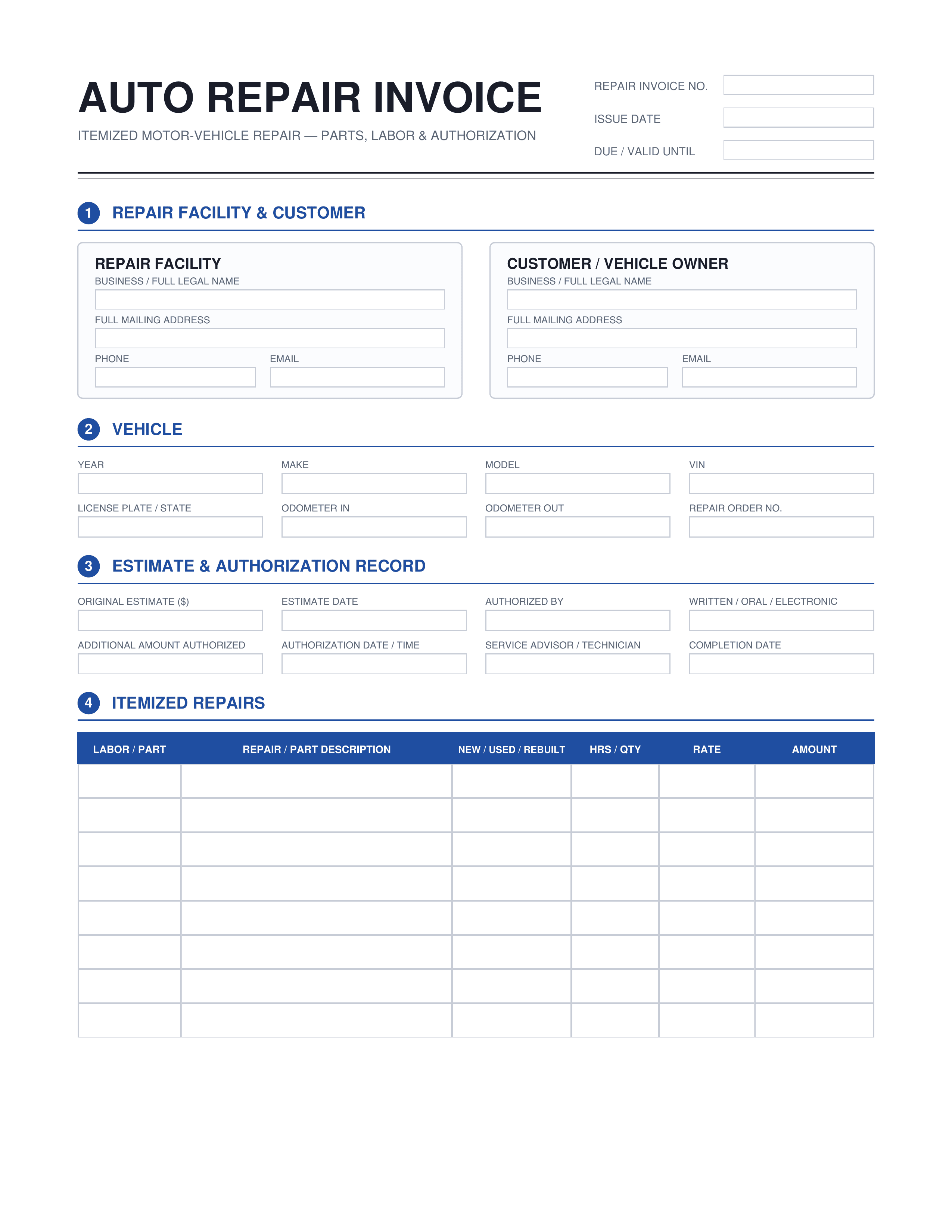
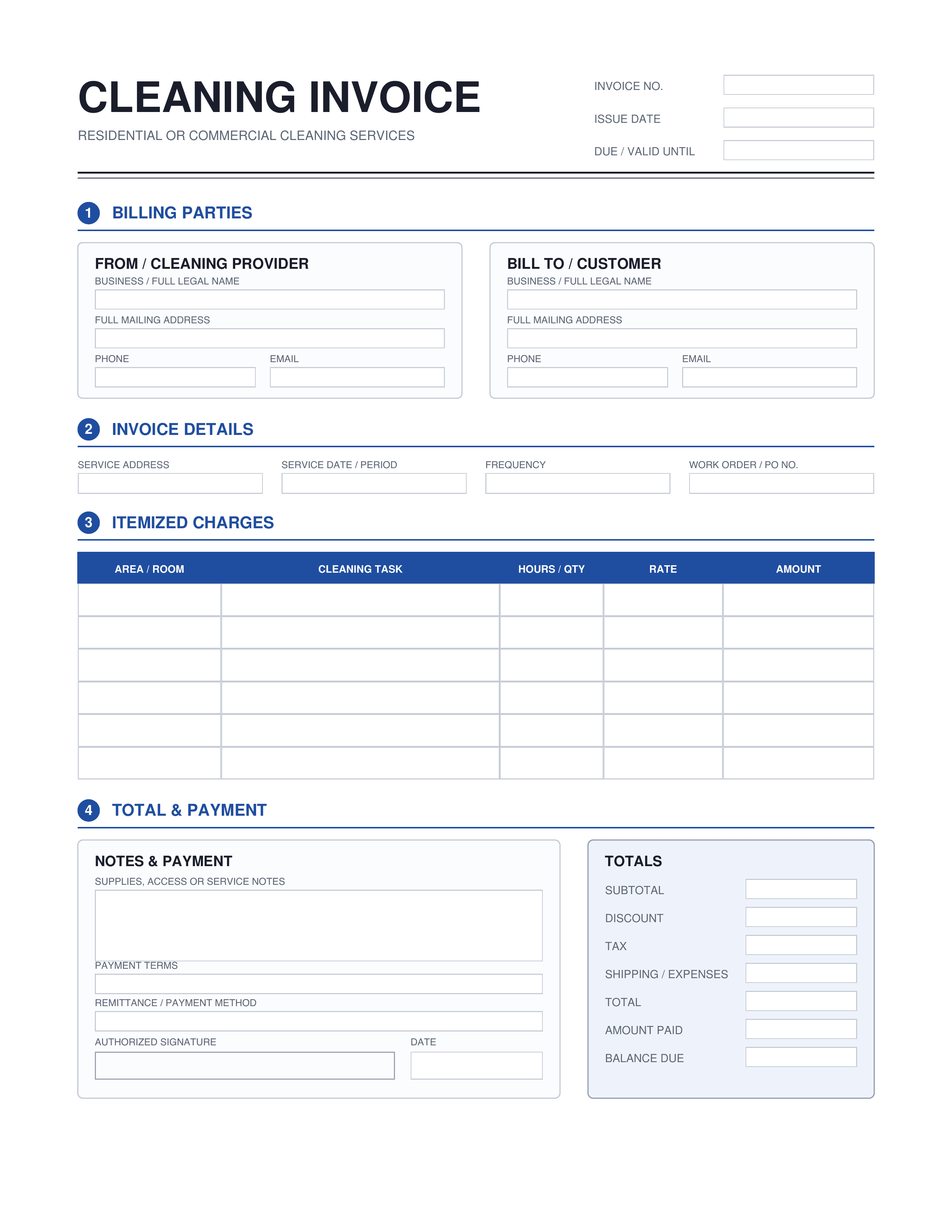
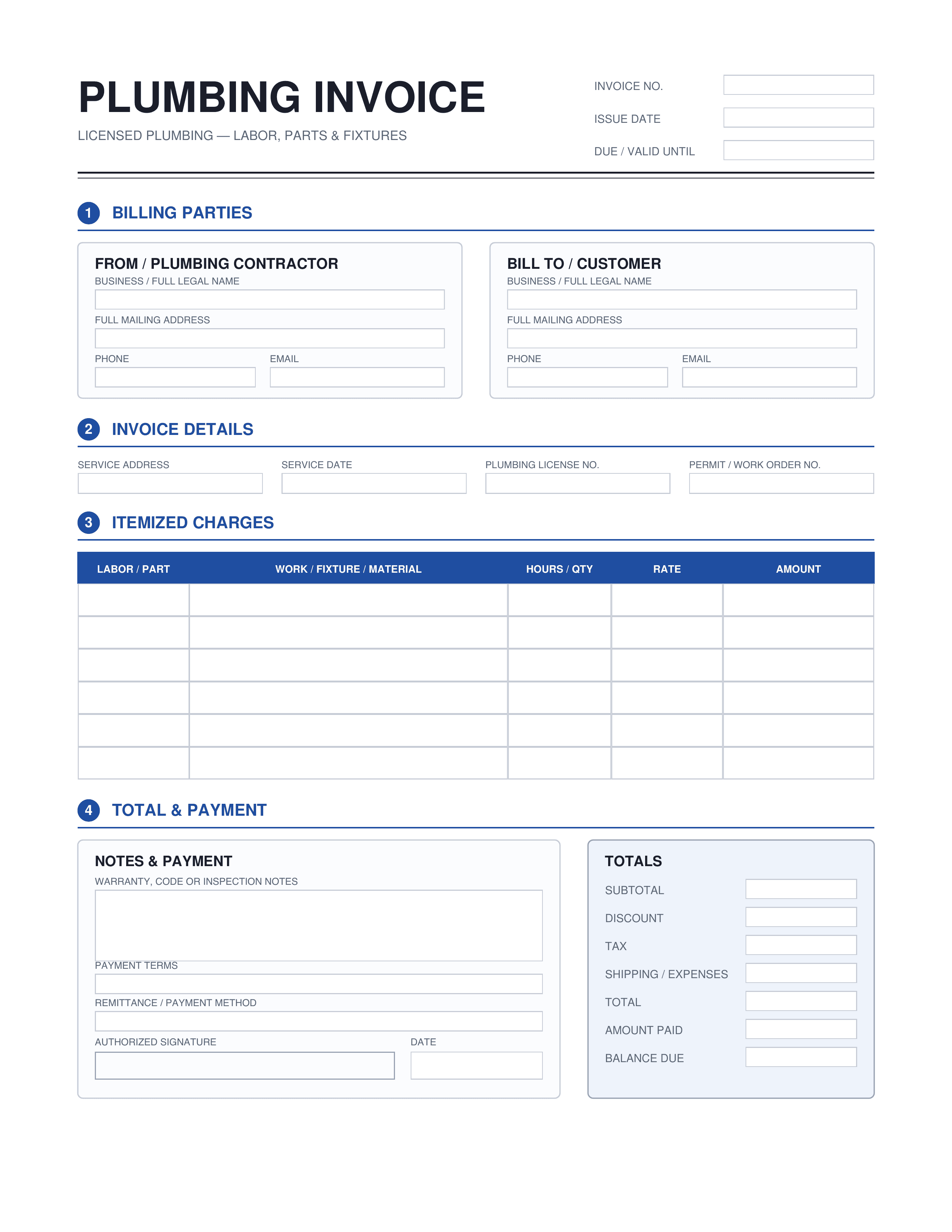
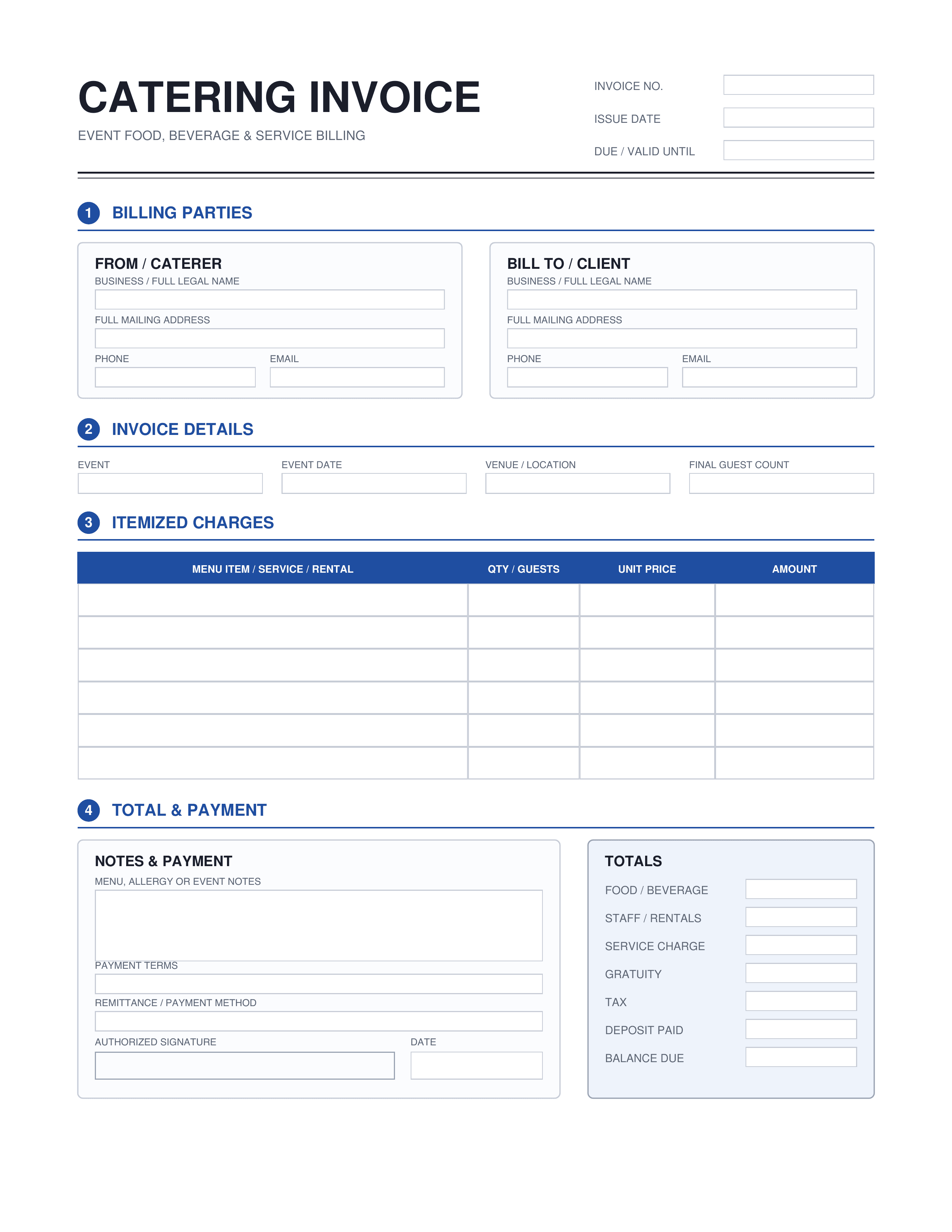
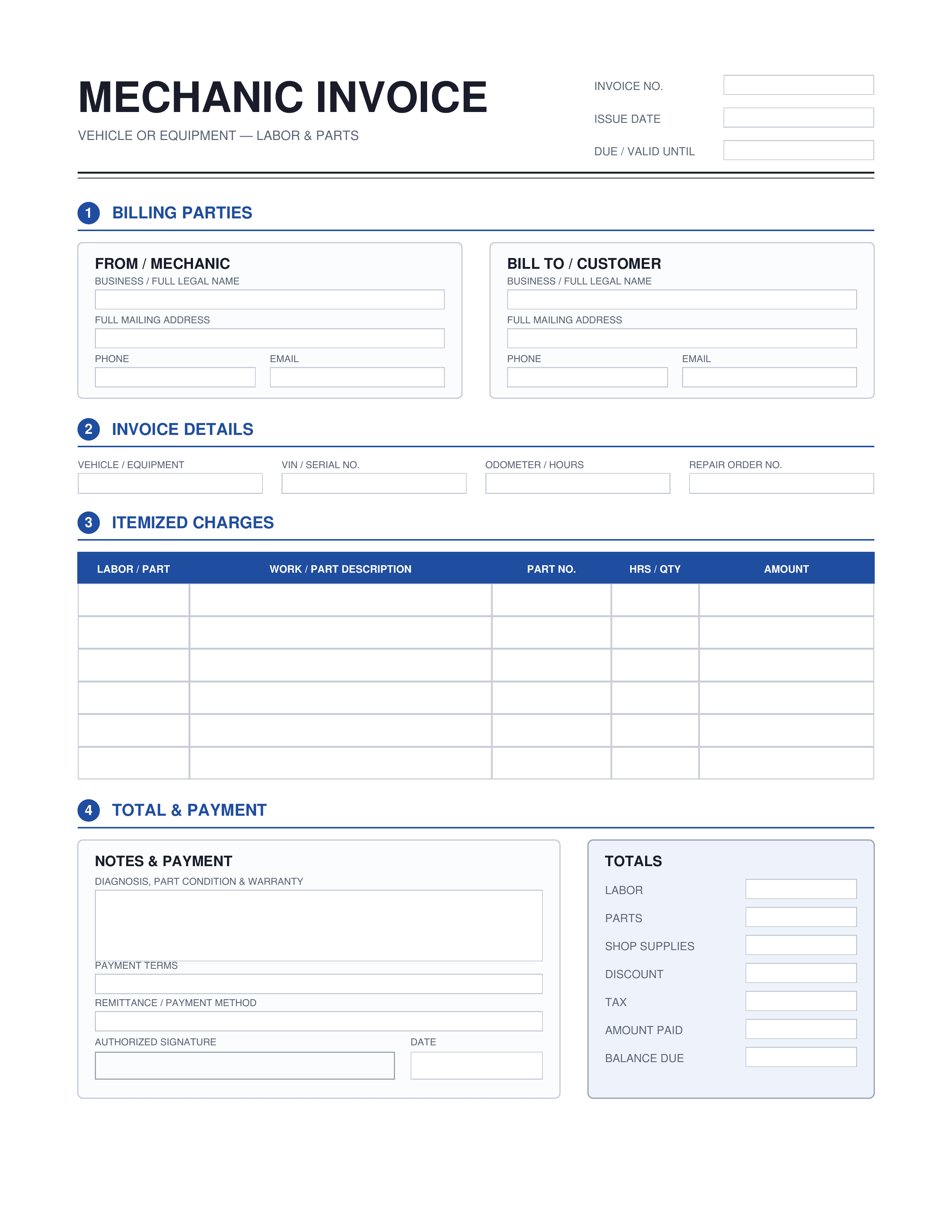
What is an invoice?
An invoice is a document that itemizes a transaction between a buyer and a seller. It lists the products, quantities, agreed prices, and terms of sale. Normally, invoices are sent to customers after the service or product has been delivered, serving as a formal request for payment. A well-crafted invoice form helps streamline billing and enables businesses to get paid faster. Different formats, including PDF, Word, and Excel, cater to varying professional needs, ensuring flexibility and compliance.
What to include on an invoice?
Every invoice must clearly state essential information.
| Element | What it covers |
|---|---|
| Business name | The name of your business to identify the sender. |
| Invoice number | A unique number that tracks and organizes invoices. |
| Invoice date | The date when the invoice is issued to the client. |
| Line items | A detailed list of goods or services provided. |
| Total amount | The final amount due, inclusive of taxes and charges. |
| Payment terms | Conditions regarding when and how payment should be made. |
Designed for various invoicing needs
Business invoices
Ideal for efficiently billing clients and maintaining accurate sales records.
Branded invoices
Enhance your brand with custom invoice logo placements and colors.
Customize invoice
Adapt templates to fit your specific business requirements.
Invoice style
Choose from different layouts to match your invoice style and business aesthetics.
Invoice fields
Add or remove invoice fields to cater to different billing structures.
How to make an invoice
Create a professional invoice quickly
Open the invoice template
Choose a blank invoice template that suits your business needs and get started.
Fill in the invoice template
Input all necessary billing details, itemize services, and calculate totals accurately.
Download the invoice
Finalize by saving the completed invoice as a PDF for easy distribution.
Frequently asked questions




