
Contract Templates
A contract is a written agreement between two or more parties that sets out what each side will do, for how much, and by when.
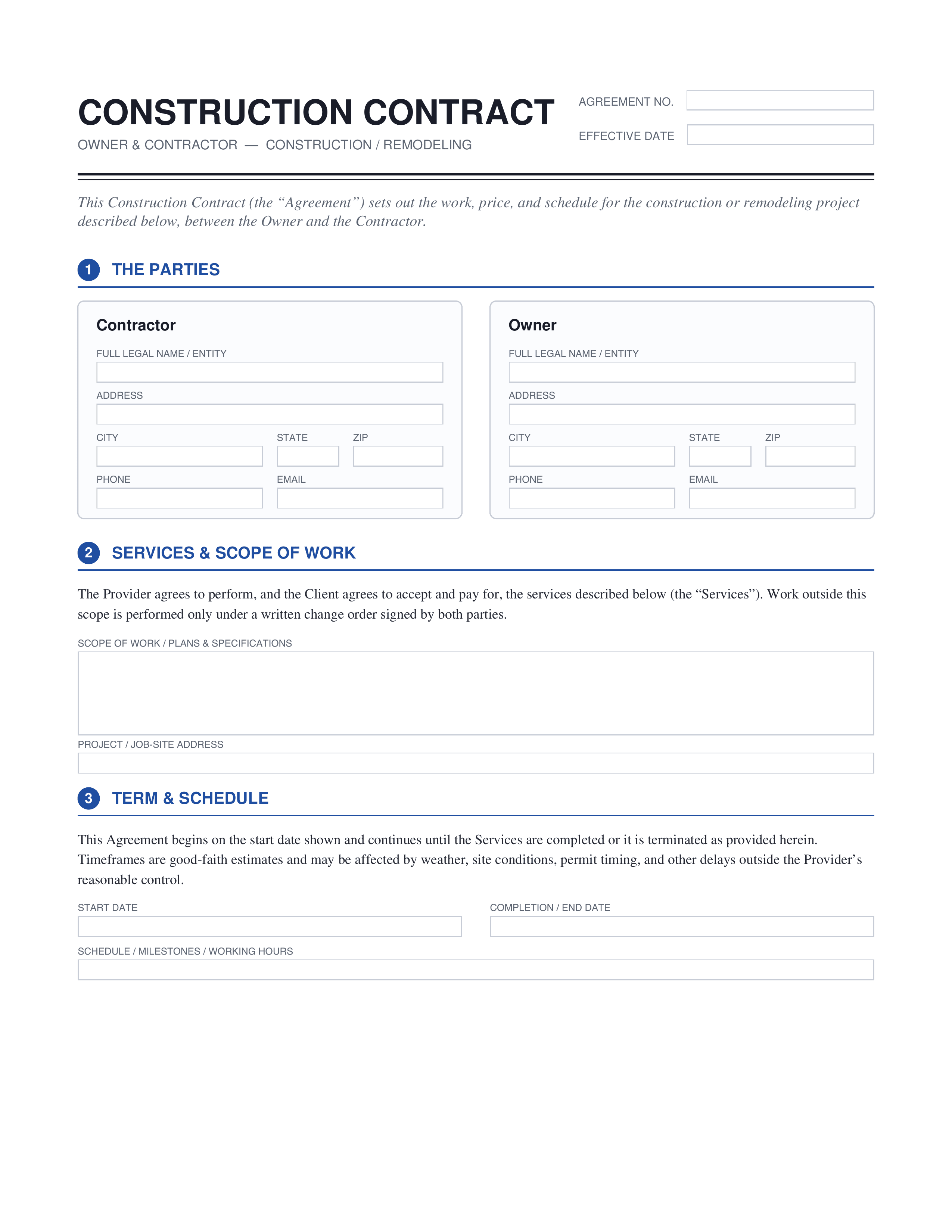
Construction Contract
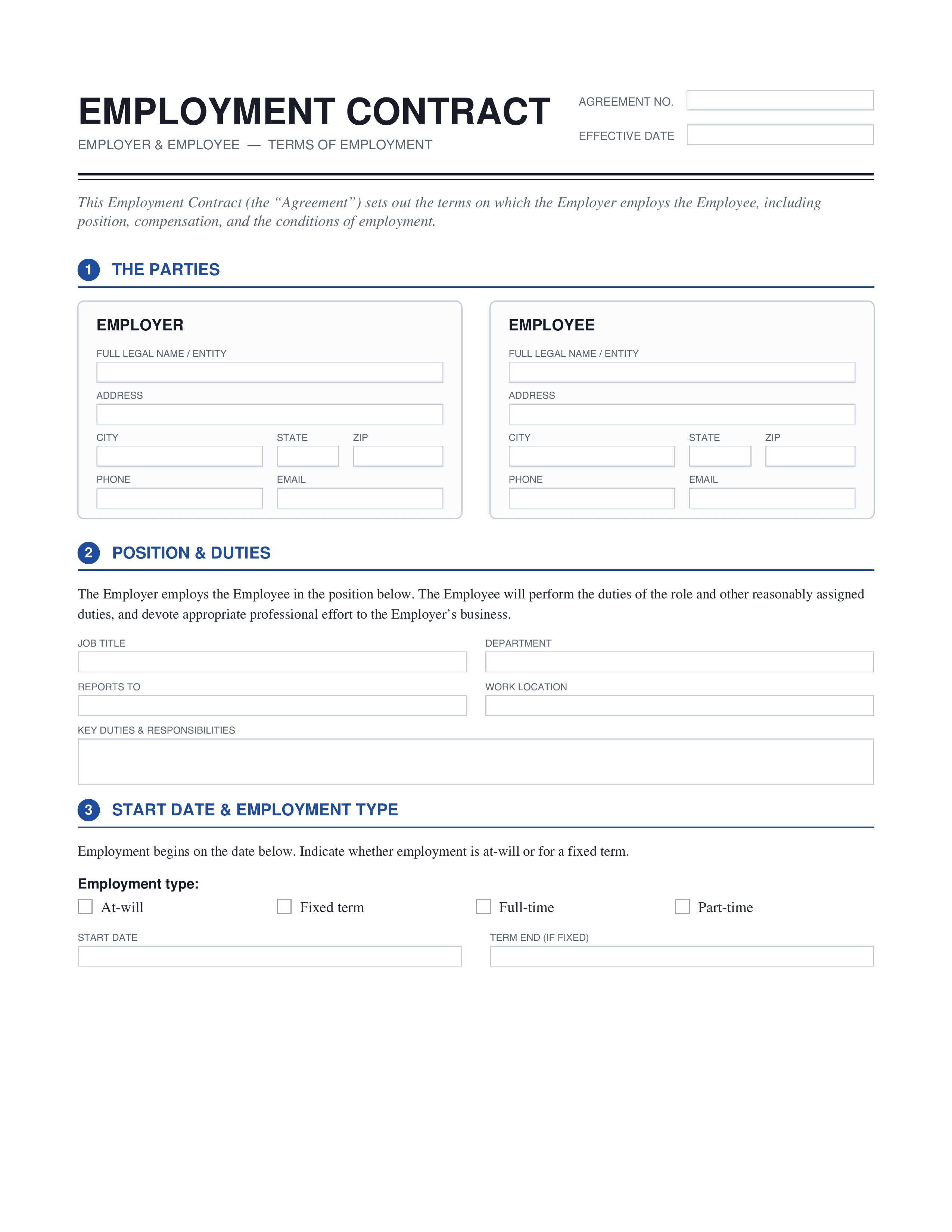
Employment Contract
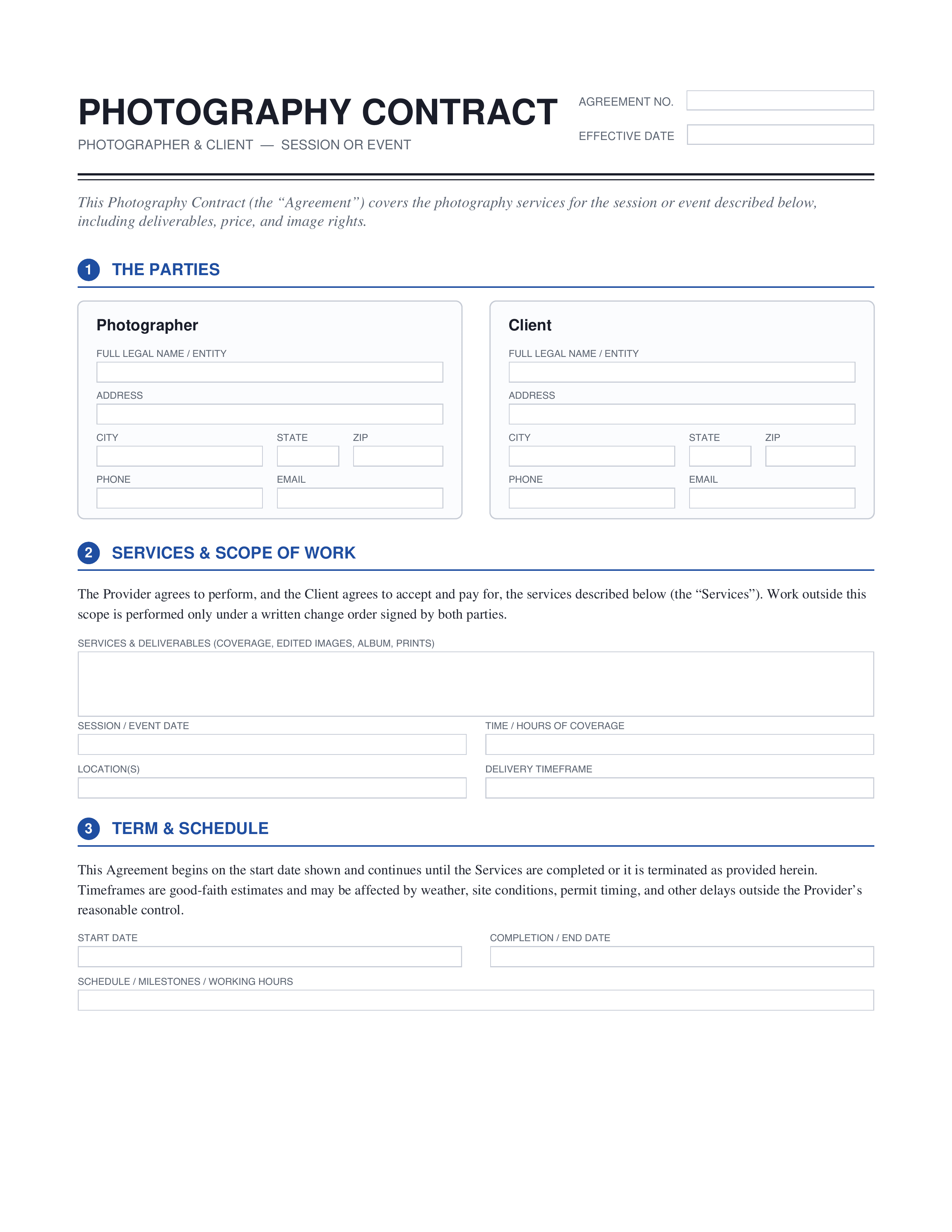
Photography Contract
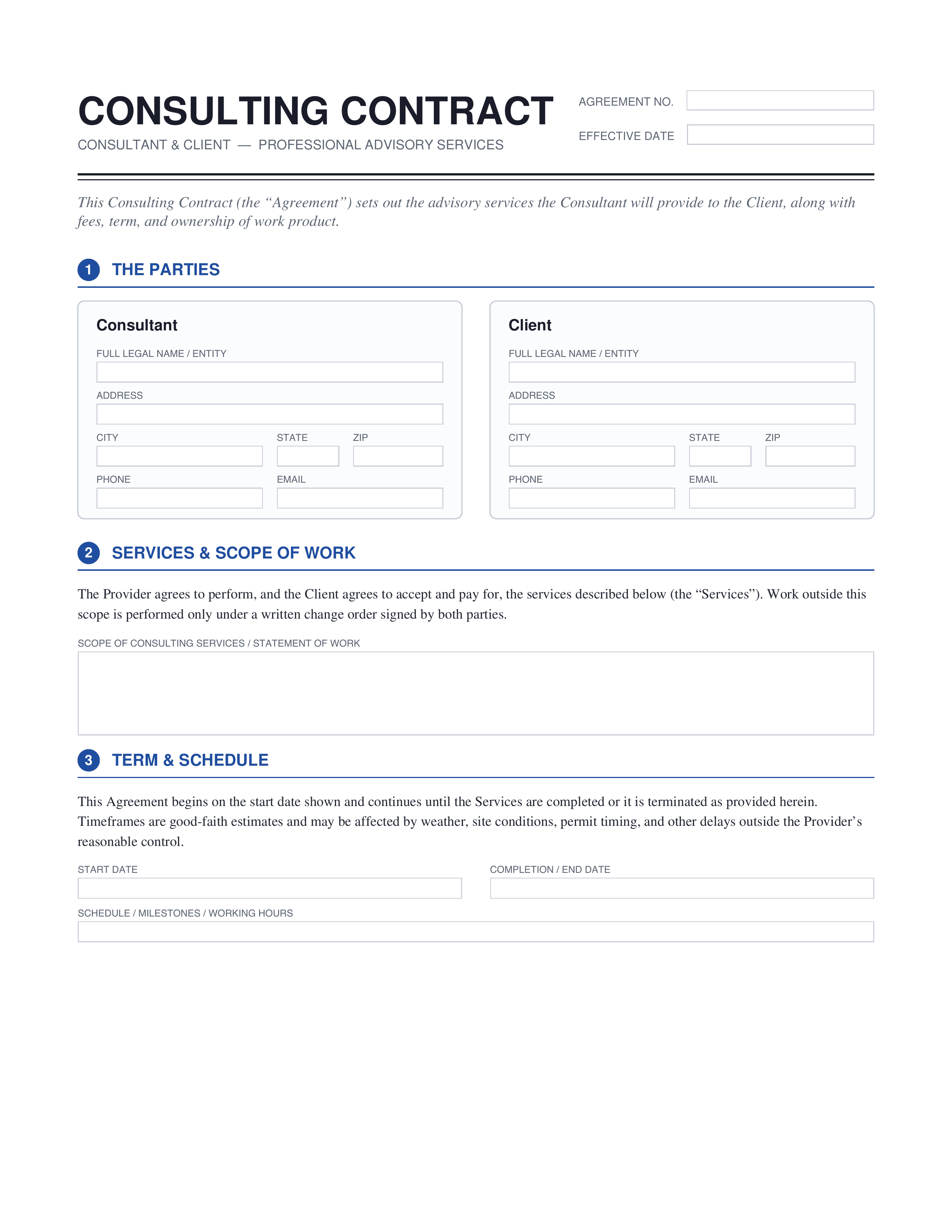
Consulting Contract
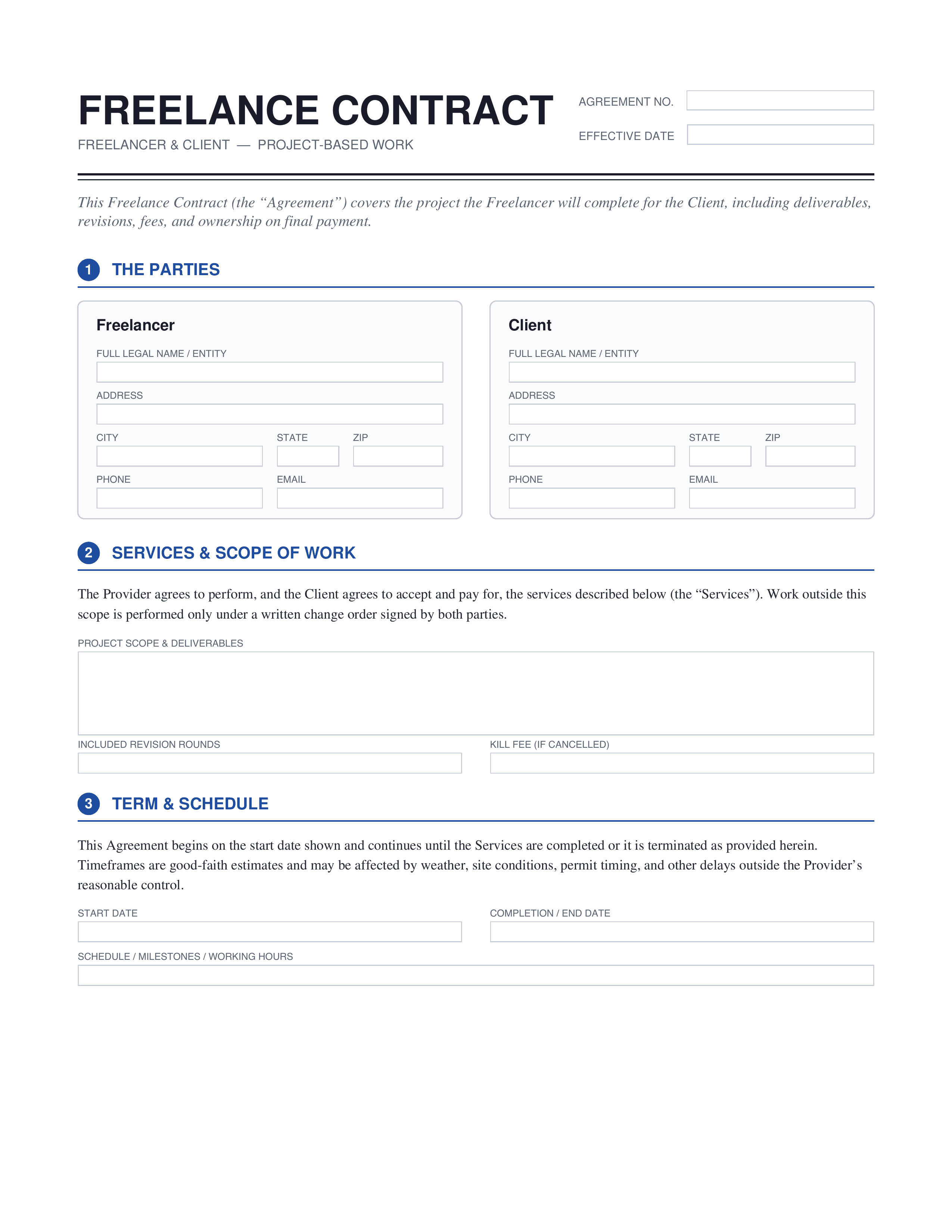
Freelance Contract
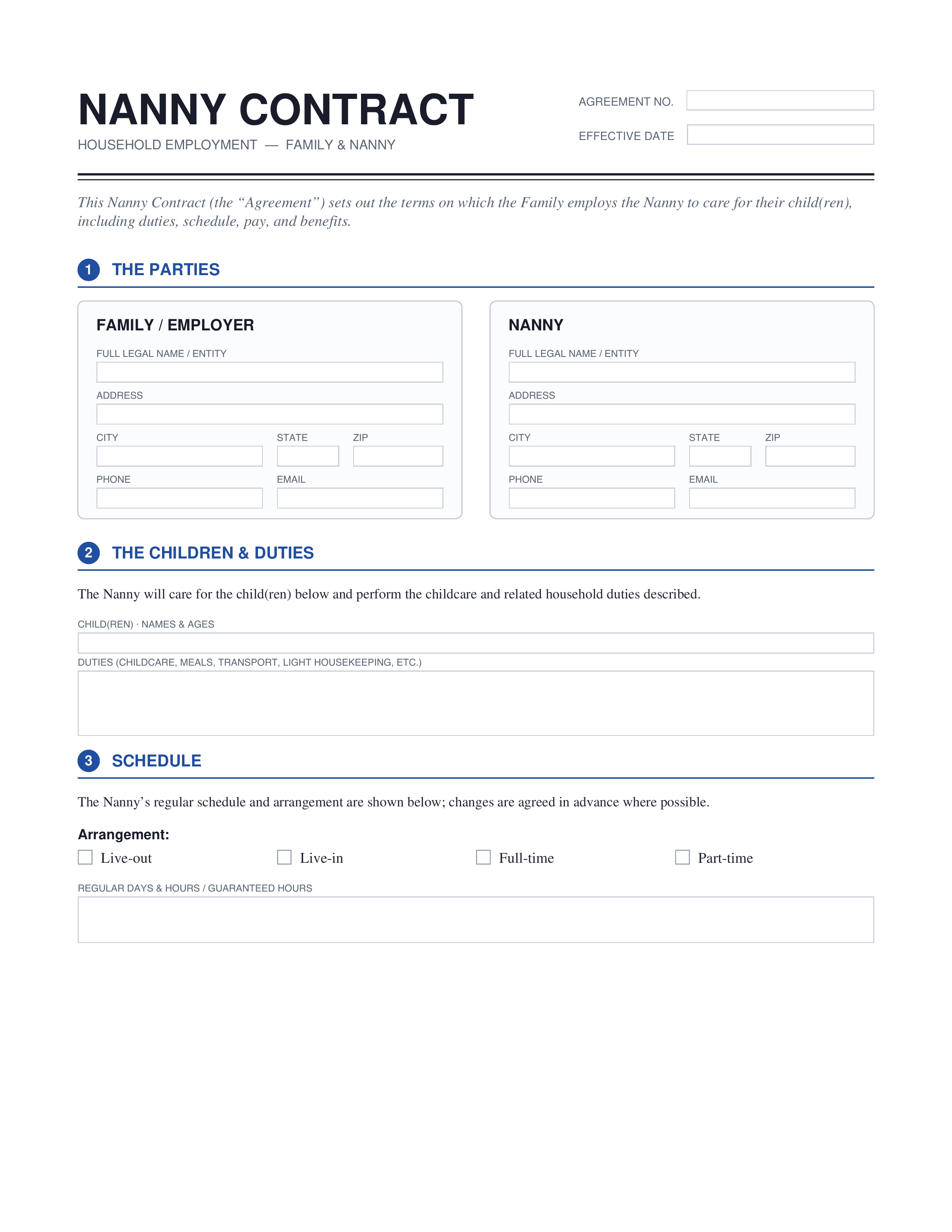
Nanny Contract
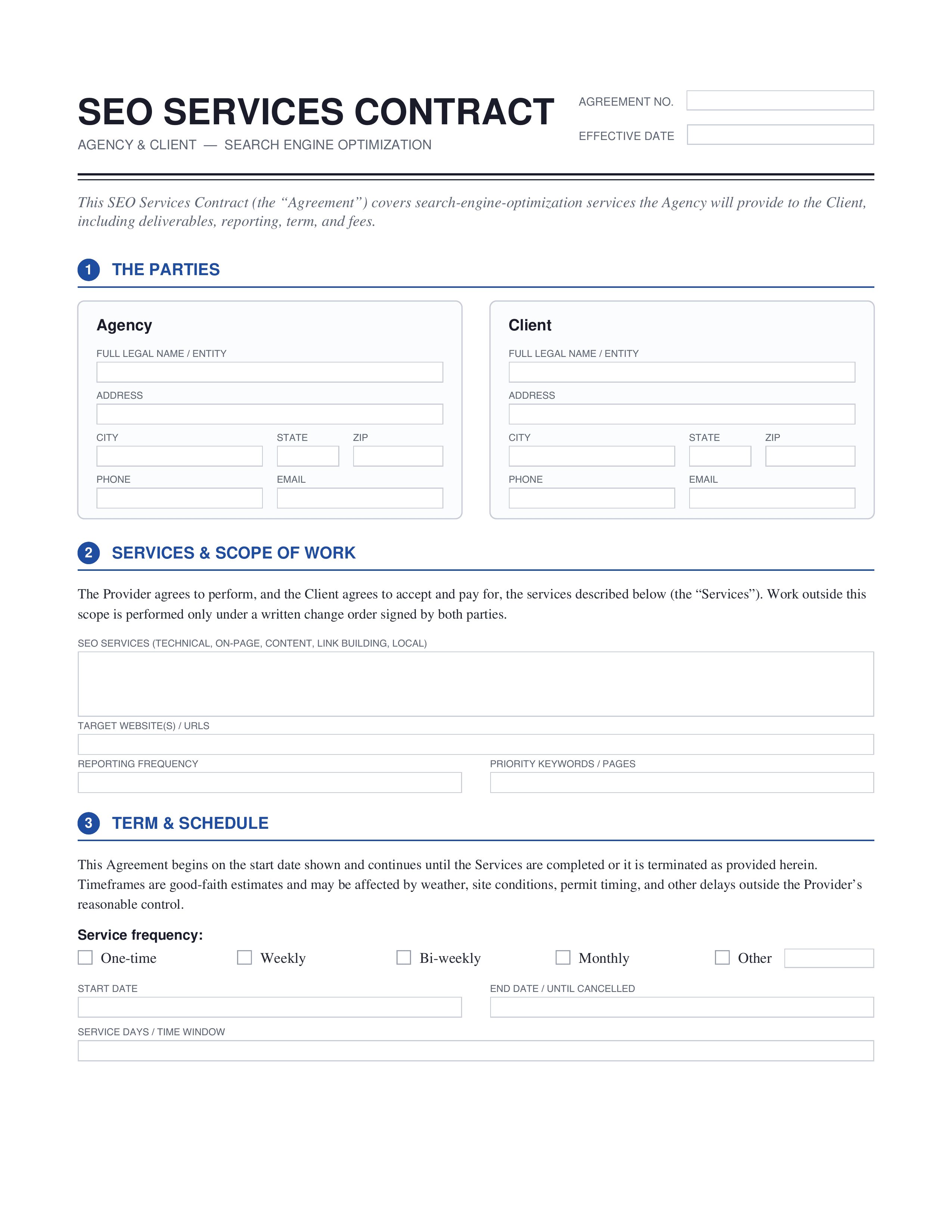
SEO Contract
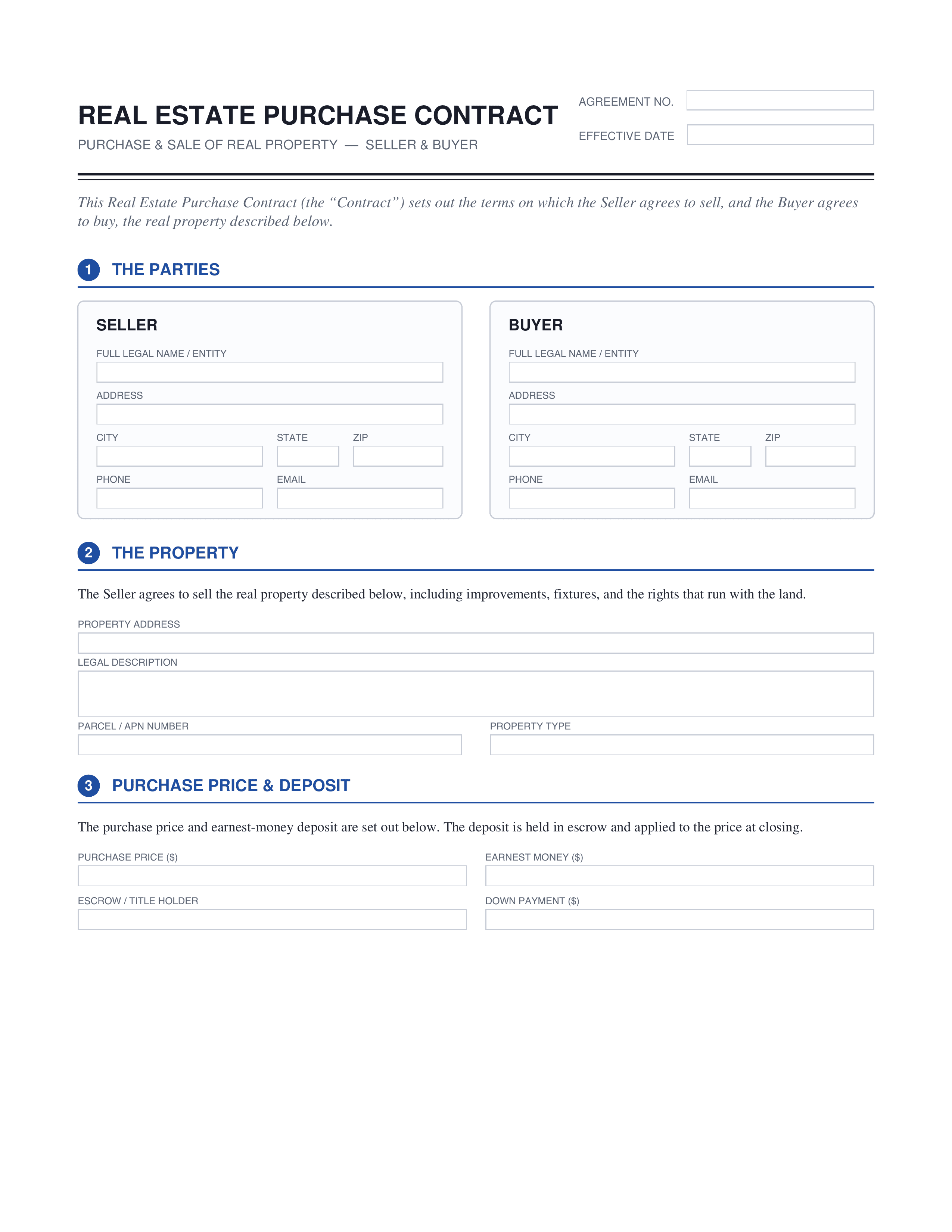
Real Estate Contract
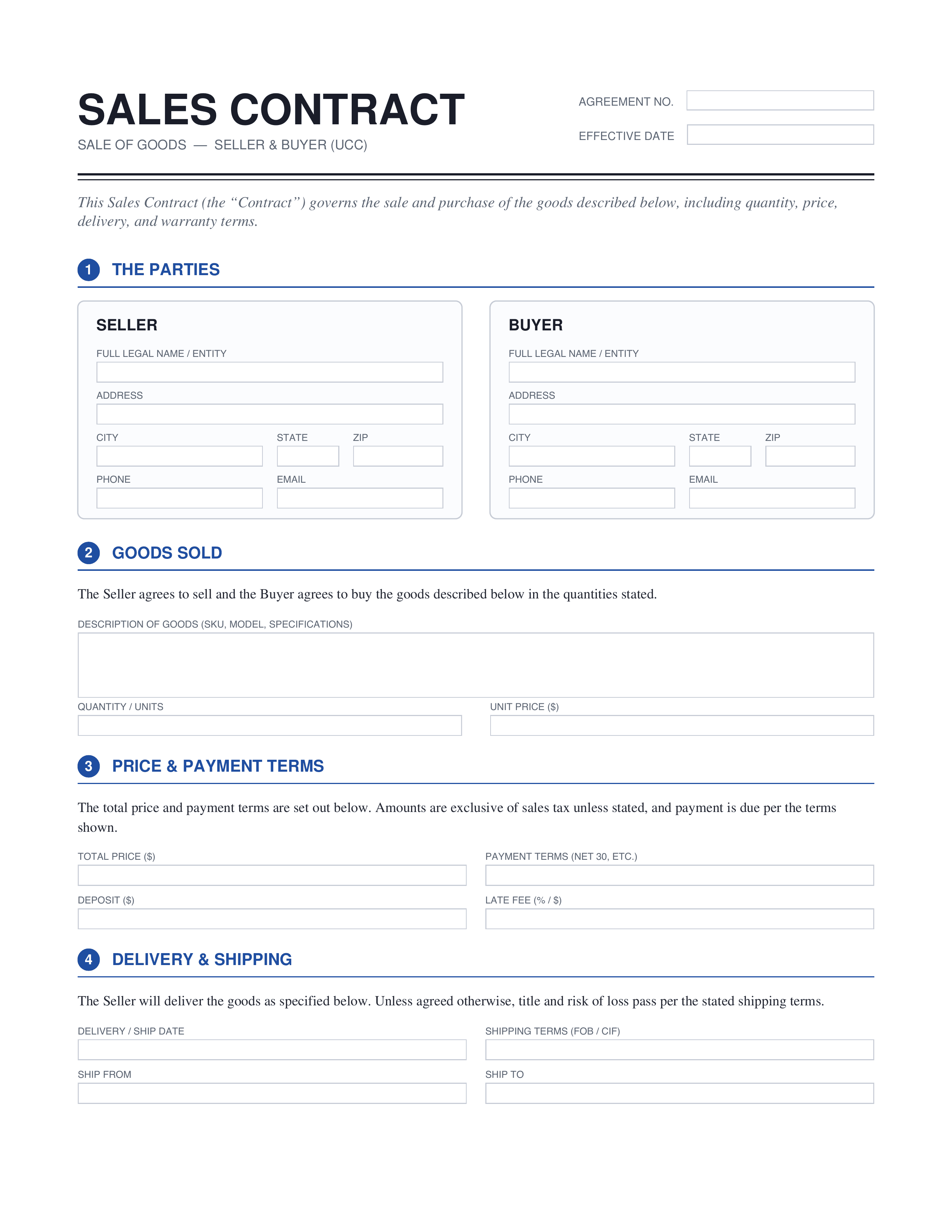
Sales Contract
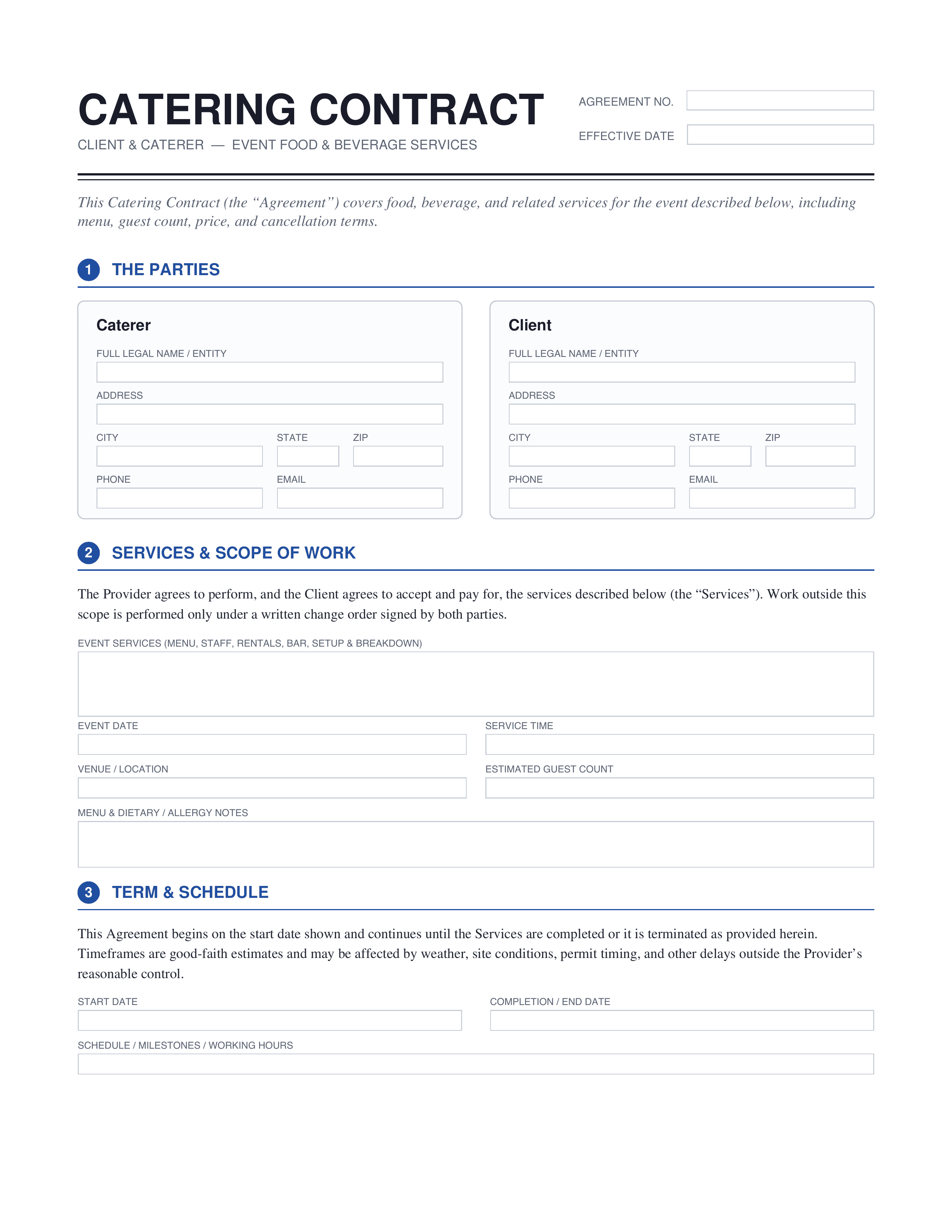
Catering Contract
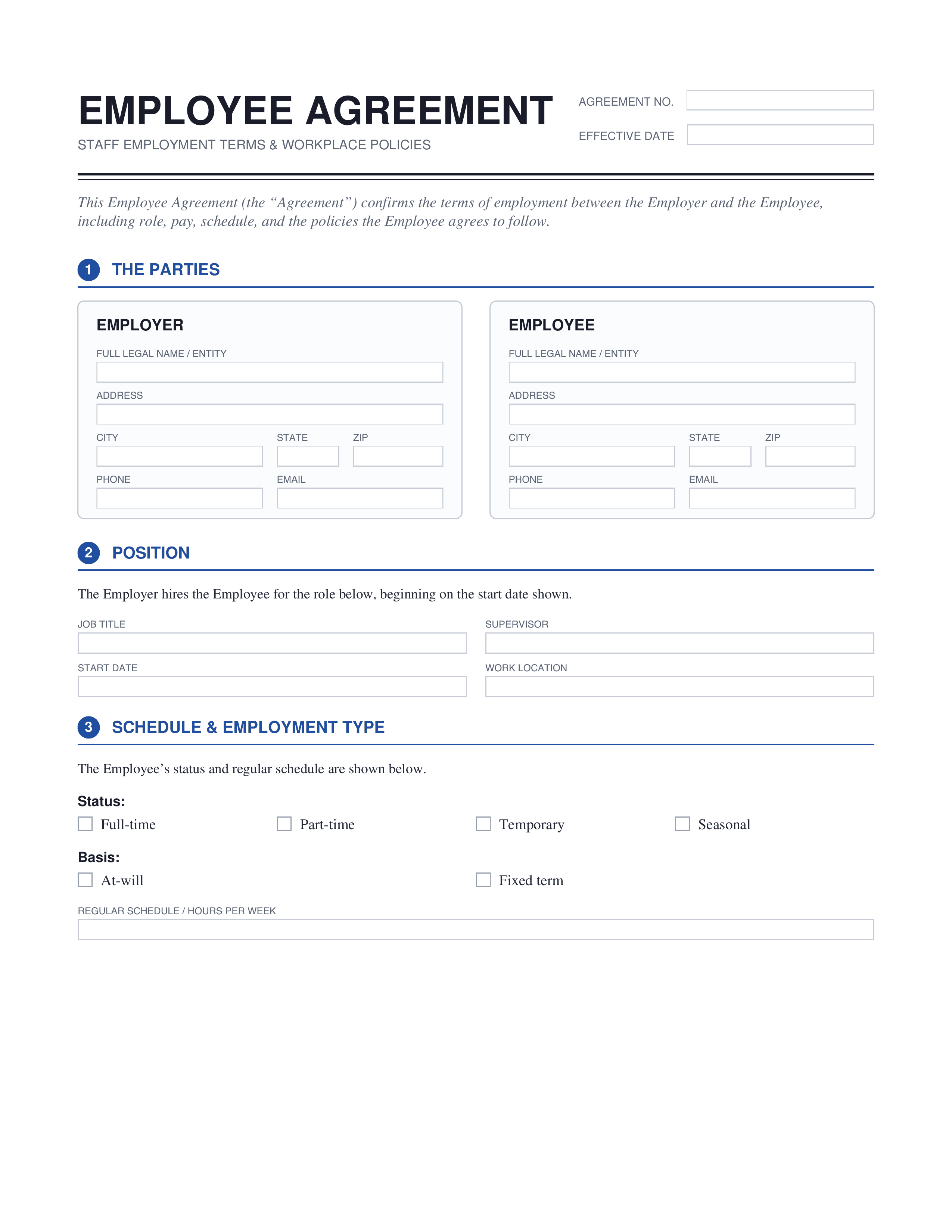
Employee Contract
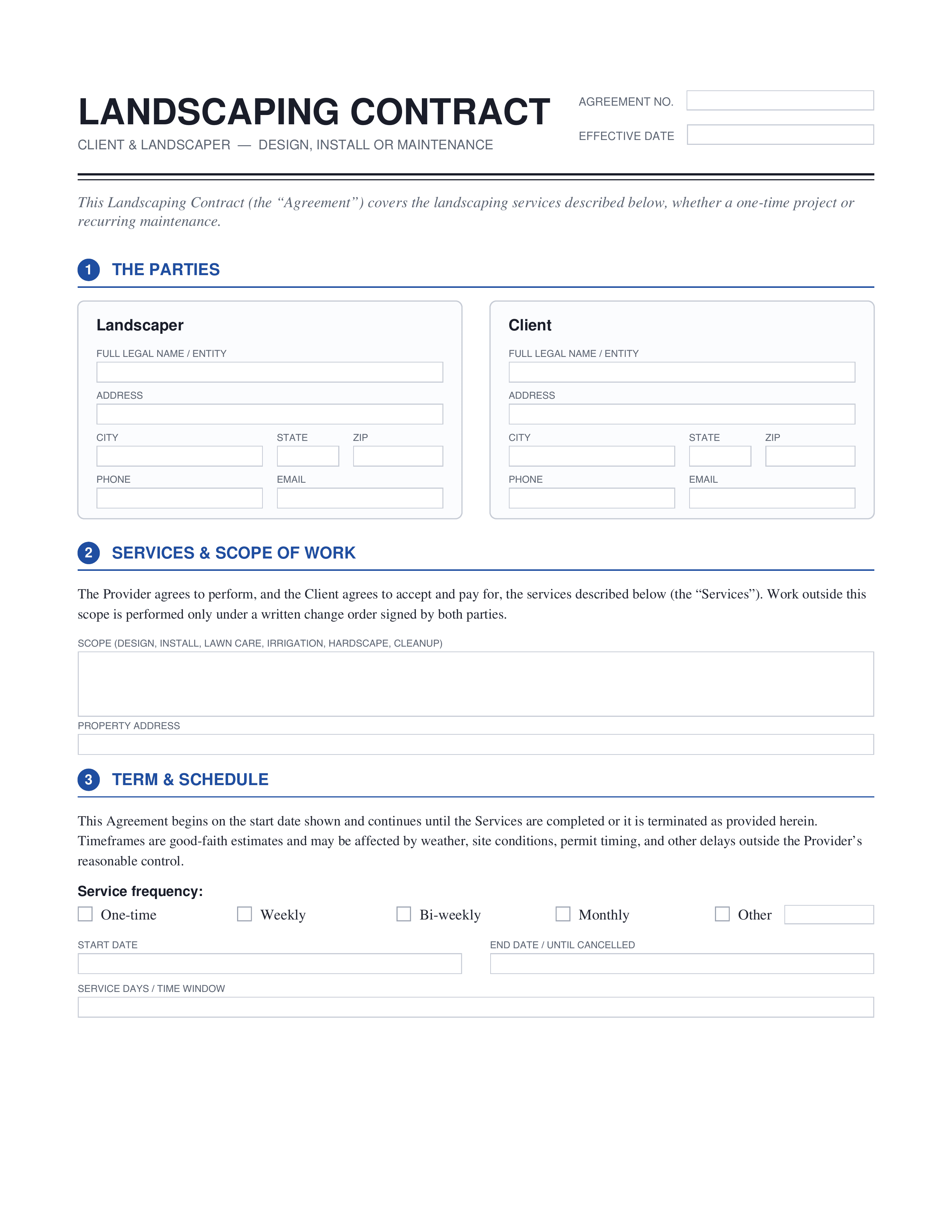
Landscaping Contract
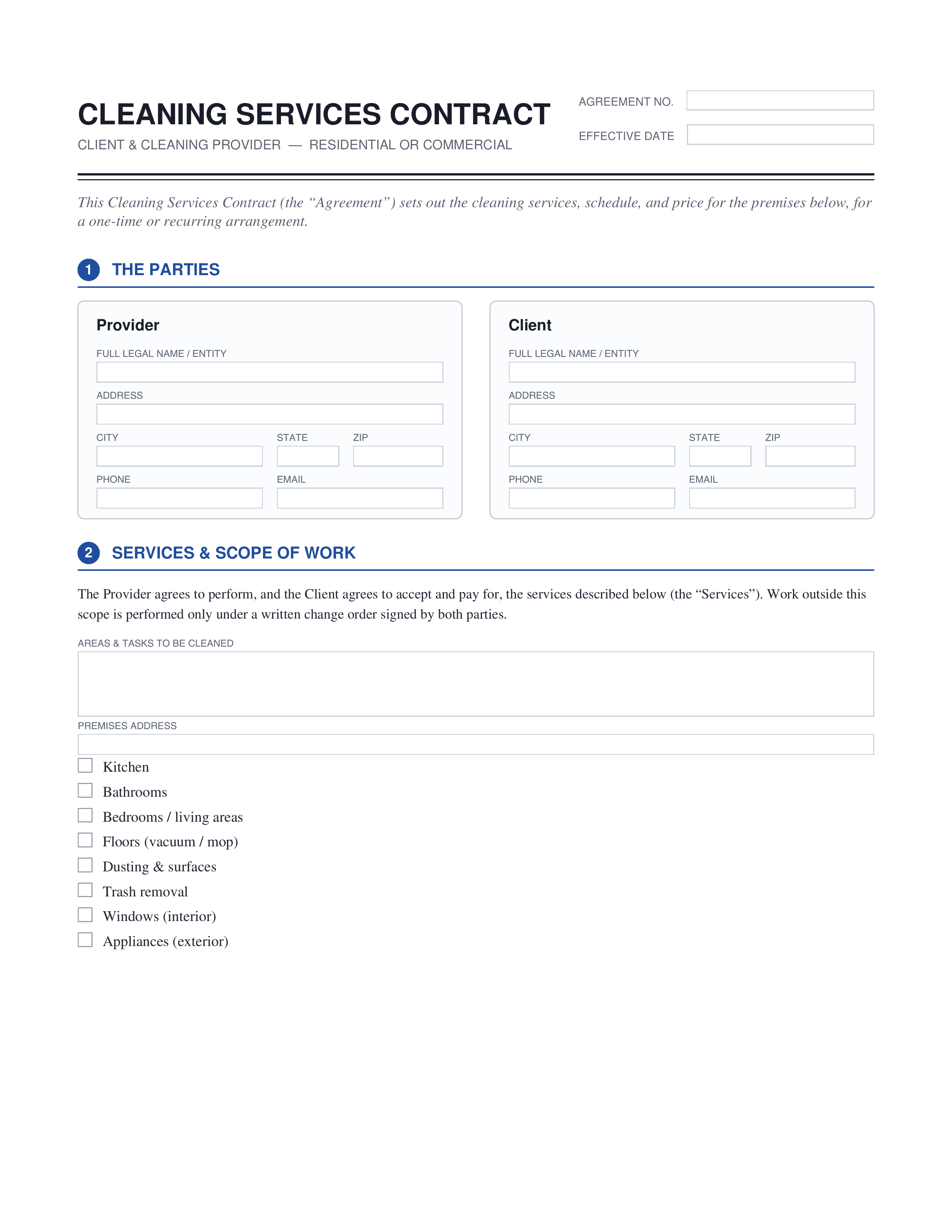
Cleaning Contract
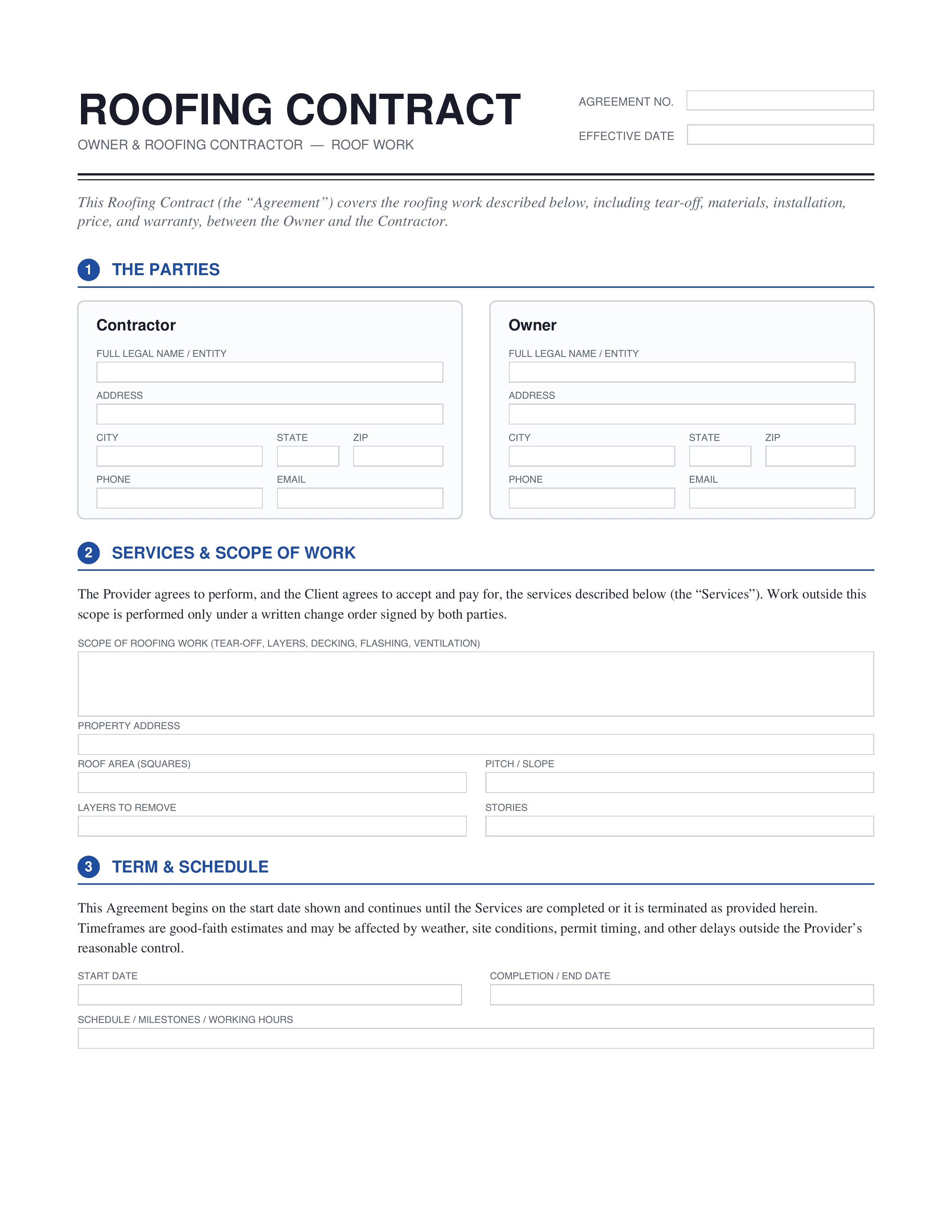
Roofing Contract
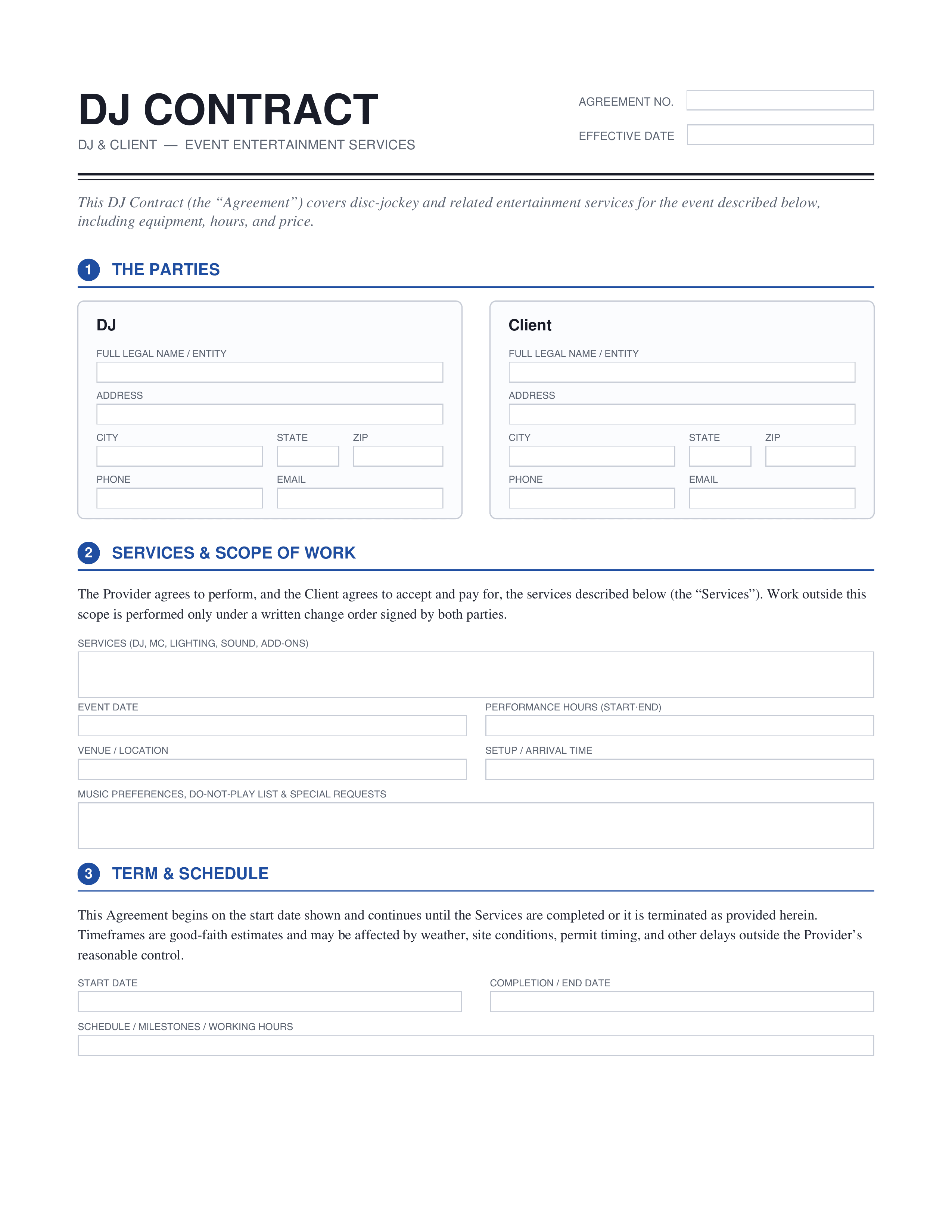
DJ Contract
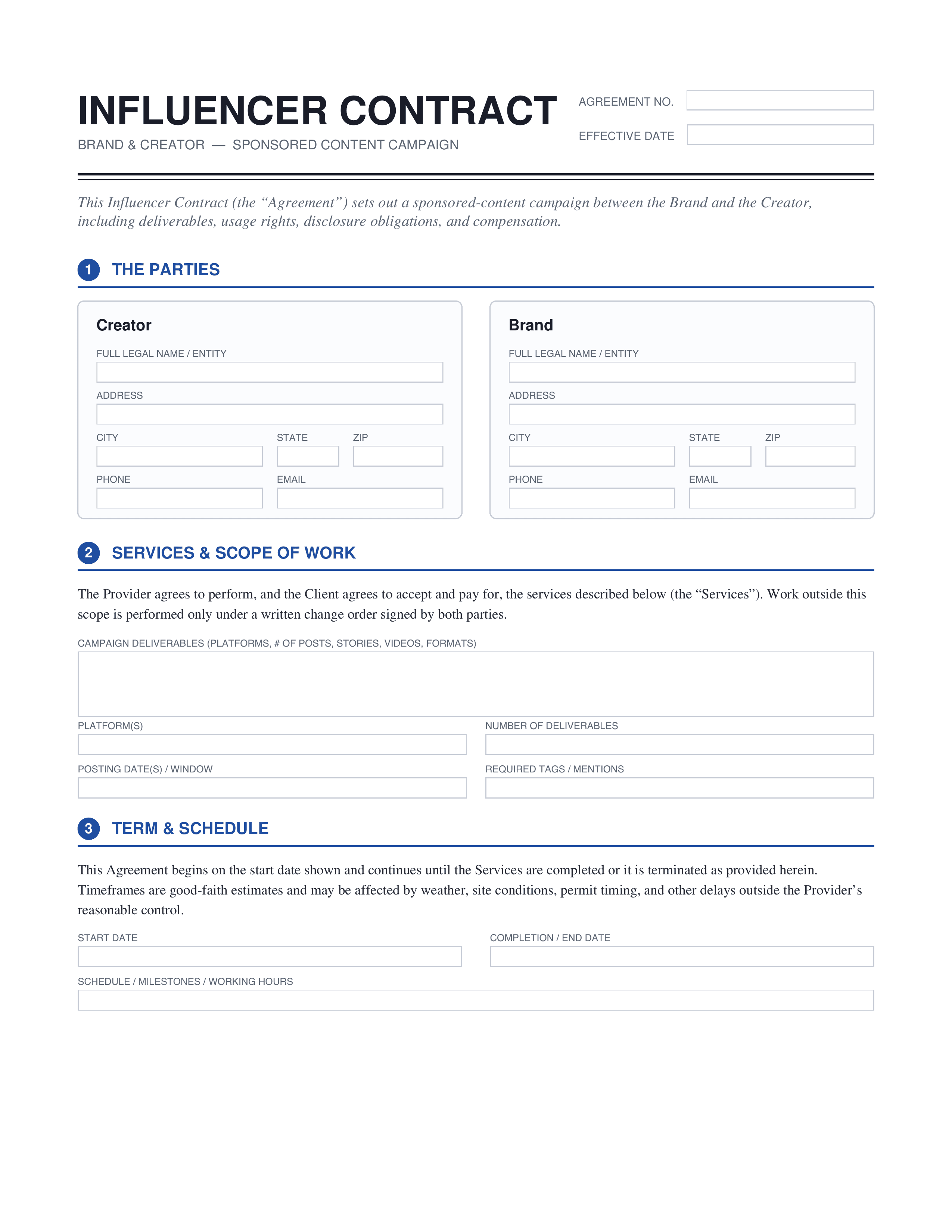
Influencer Contract
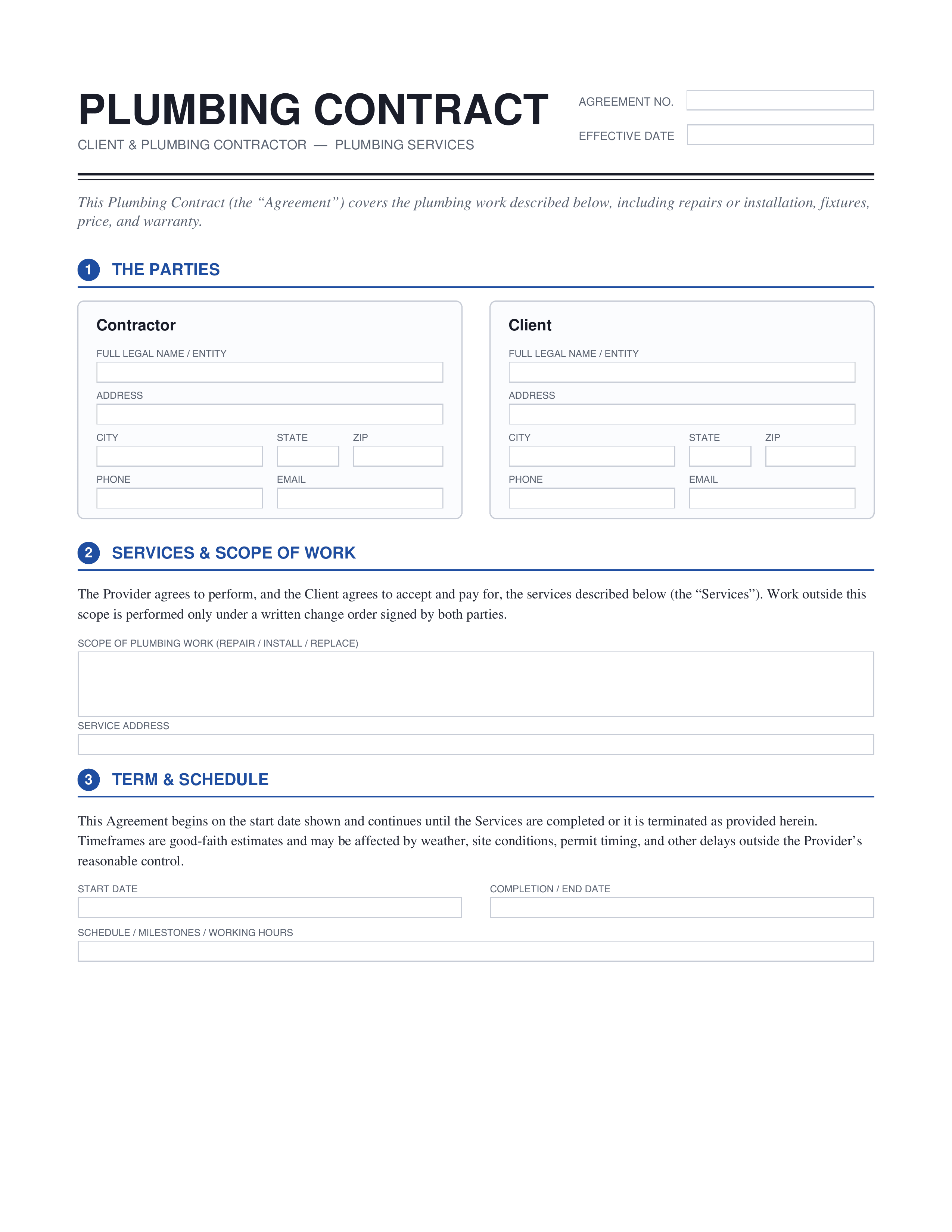
Plumbing Contract
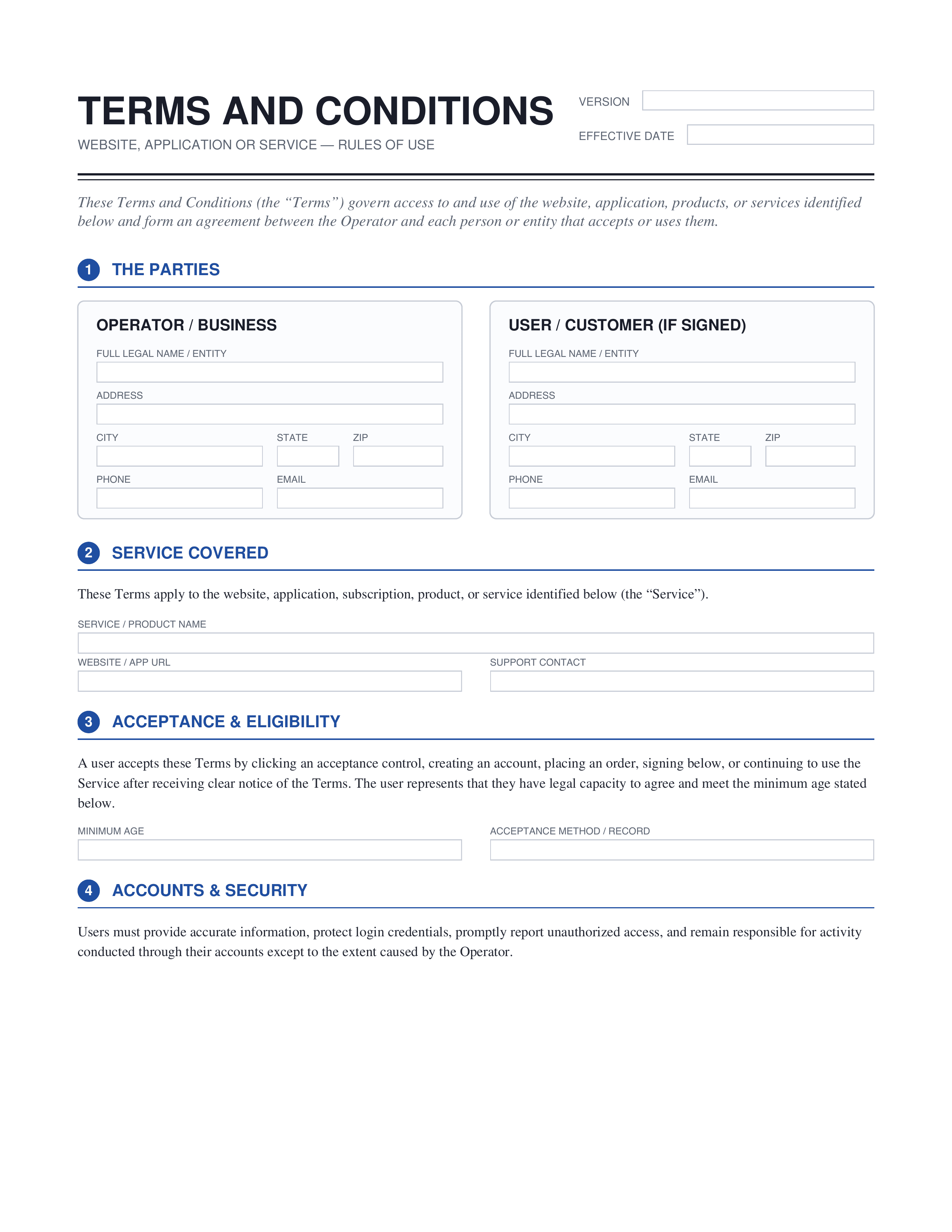
Terms and Conditions
What is a contract, and why use a template?
A contract records what two or more parties agreed to do for each other, and what happens if they don't. Writing one from scratch means catching every clause a lawyer would expect — payment terms, confidentiality, intellectual property, signatures. A custom contract template already has that structure built in, so you customize the details rather than build the agreement from nothing, which saves time whether it's a service agreement, an employment contract, or a simple loan agreement.
What should a contract include?
These elements appear in almost every contract, whatever the subject.
| Element | What it covers |
|---|---|
| Parties | The full names and roles of everyone entering the agreement. |
| Scope of work | What the service provider or contractor is actually delivering. |
| Payment terms | The amount owed, the schedule, and how payment is made. |
| Confidentiality clause | How confidential information is handled and protected. |
| Term and termination | How long the agreement runs and how either side can end it. |
| Signatures | Where each party signs, by hand or with an electronic signature. |
Who uses contract templates
Small business
Owners drafting a business contract for a supplier, vendor, or ongoing service arrangement.
Contractors
Setting expectations on scope, timeline, and payment before starting a construction contract template.
Business
Formalizing a partnership agreement or setting shared terms between two companies.
Legal contract
Anyone drafting an NDA or legal agreement that needs to hold up if challenged.
Freelance
Independent contractor agreements covering deliverables, payment, and intellectual property.
How to make a contract template
Build a fillable contract template in three simple moves.
Open the template
Choose a contract template that matches your agreement, from an NDA to a service contract.
Fill in the template
Add the parties, the terms, the payment details, and any clause specific to your deal.
Download the template
Save your finished contract template as a polished PDF, ready to send or sign.
Frequently asked questions




