
Letter Templates
Letter templates provide structured formats for various types of personal and business correspondence, ensuring clarity and professionalism in communication.
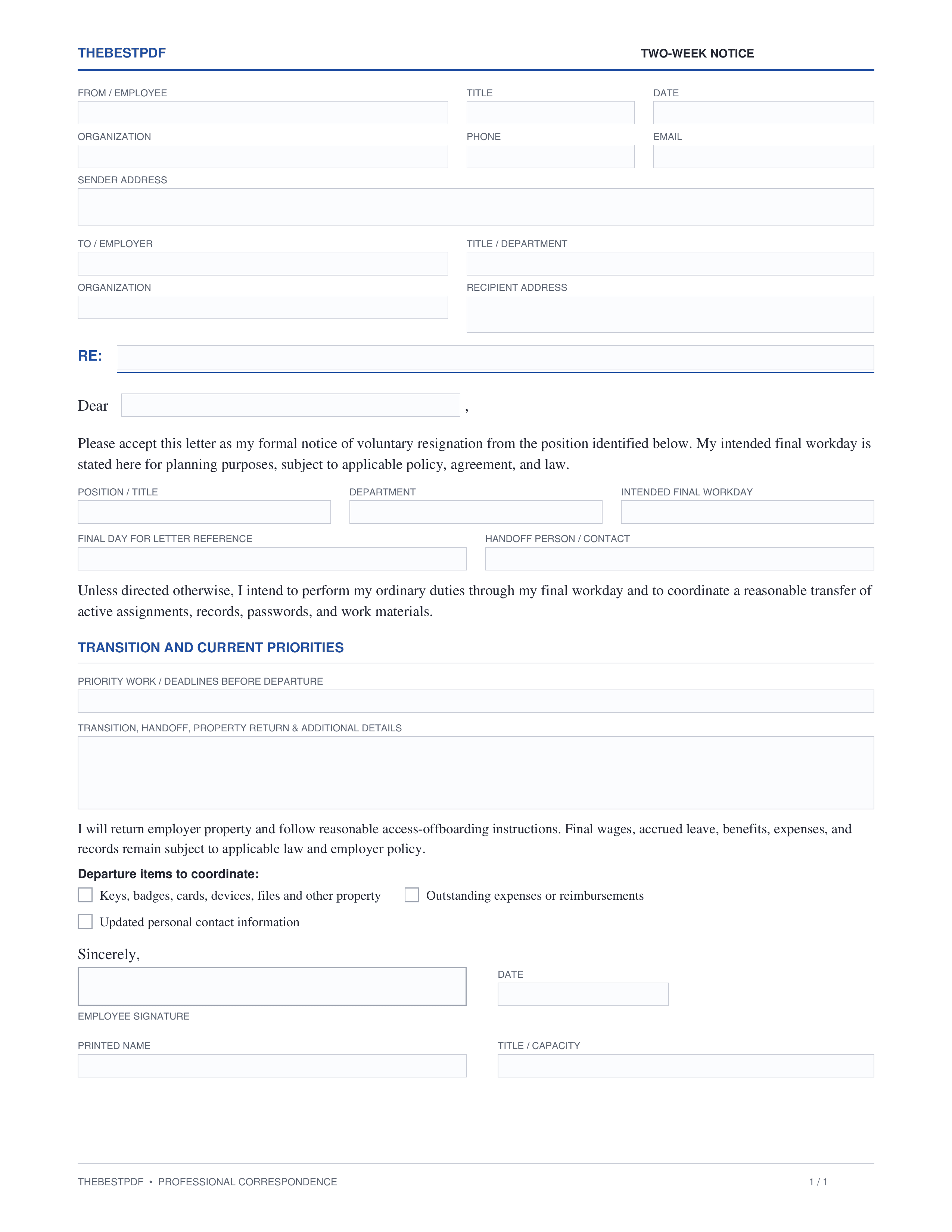
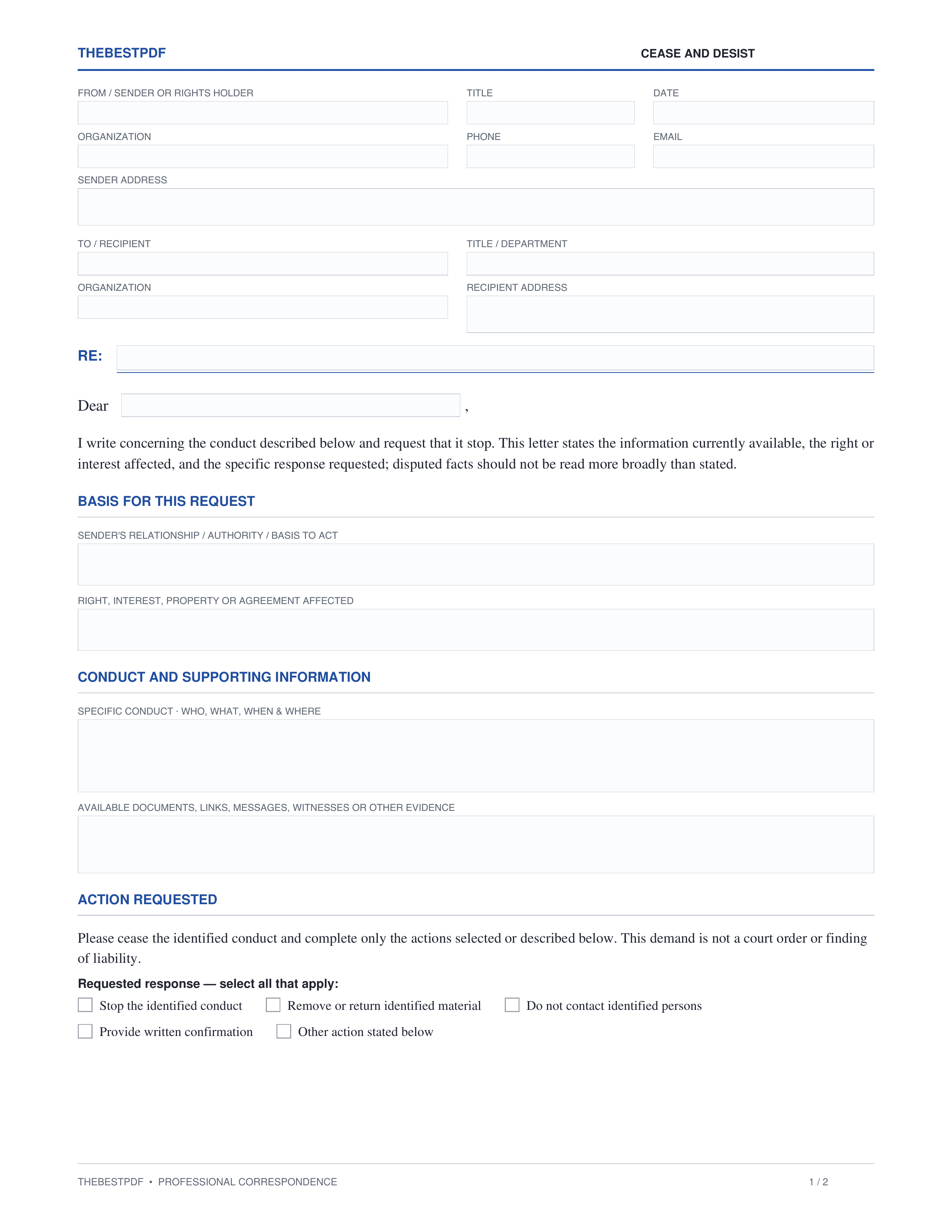
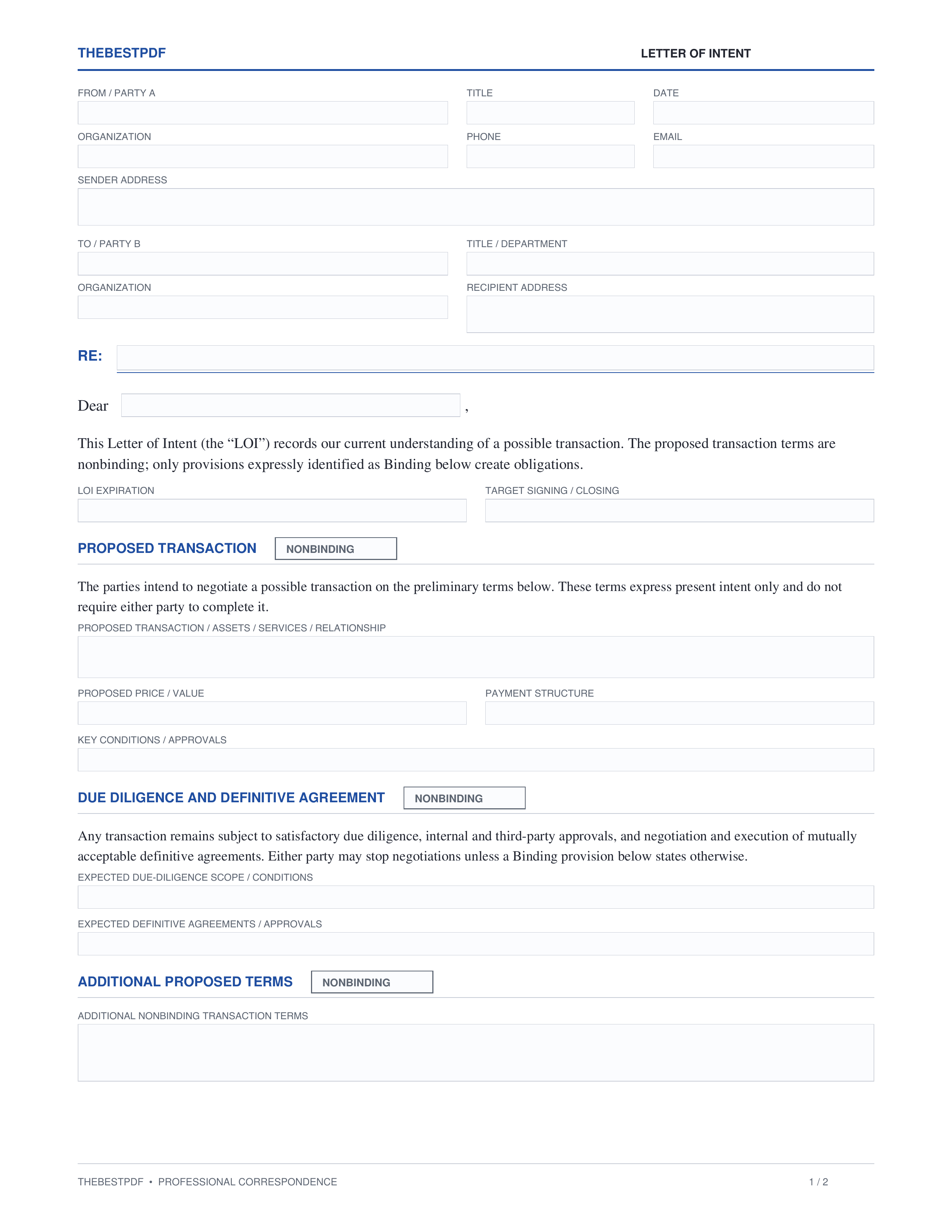
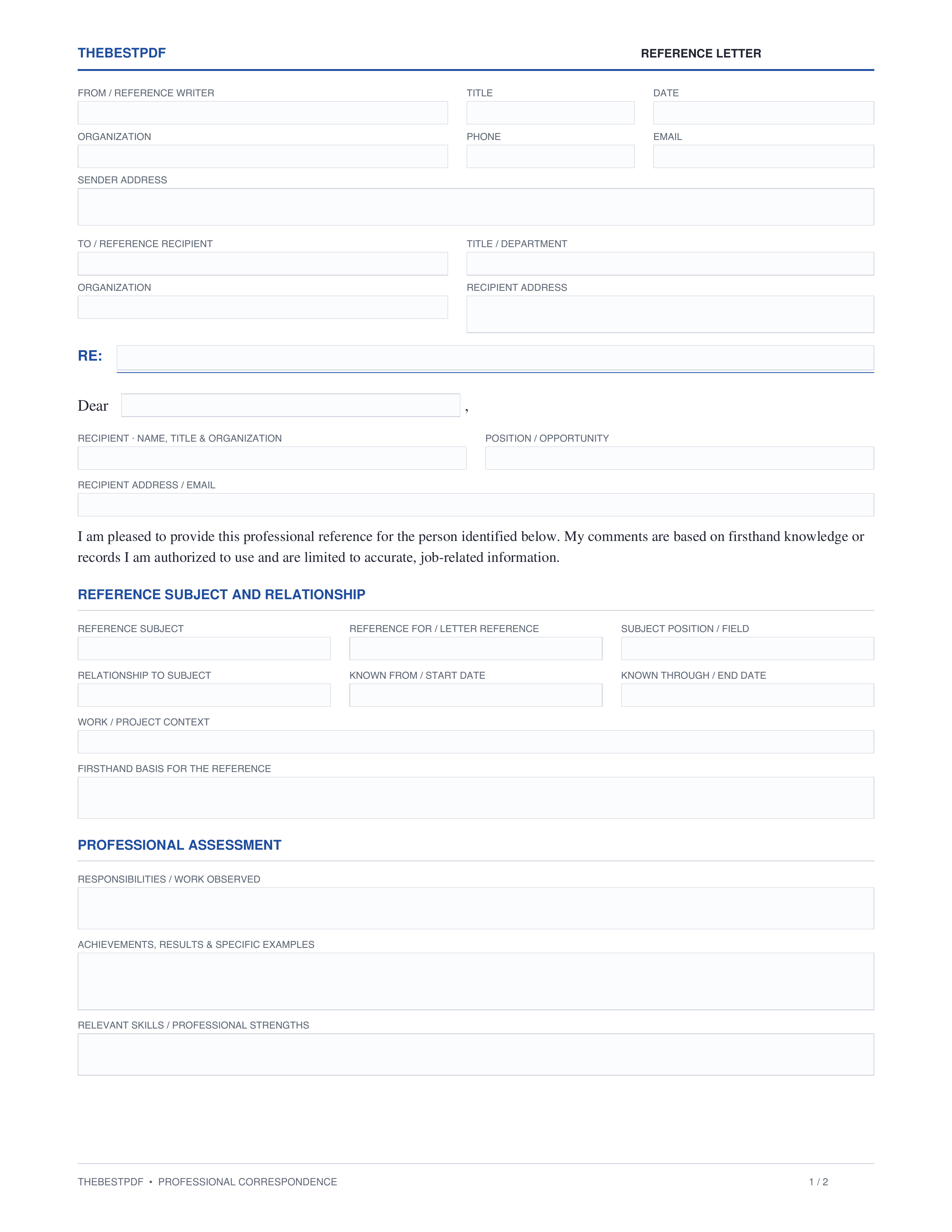
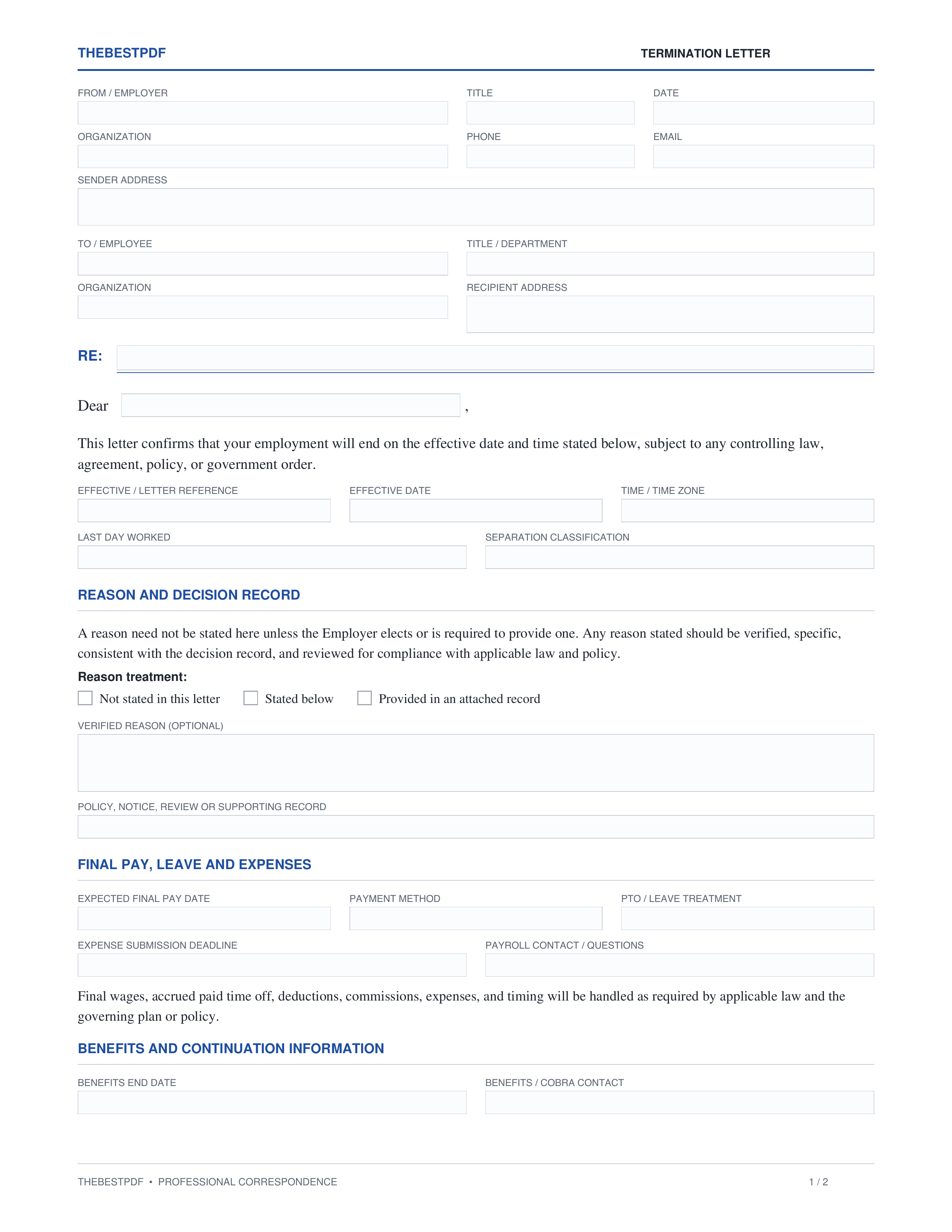
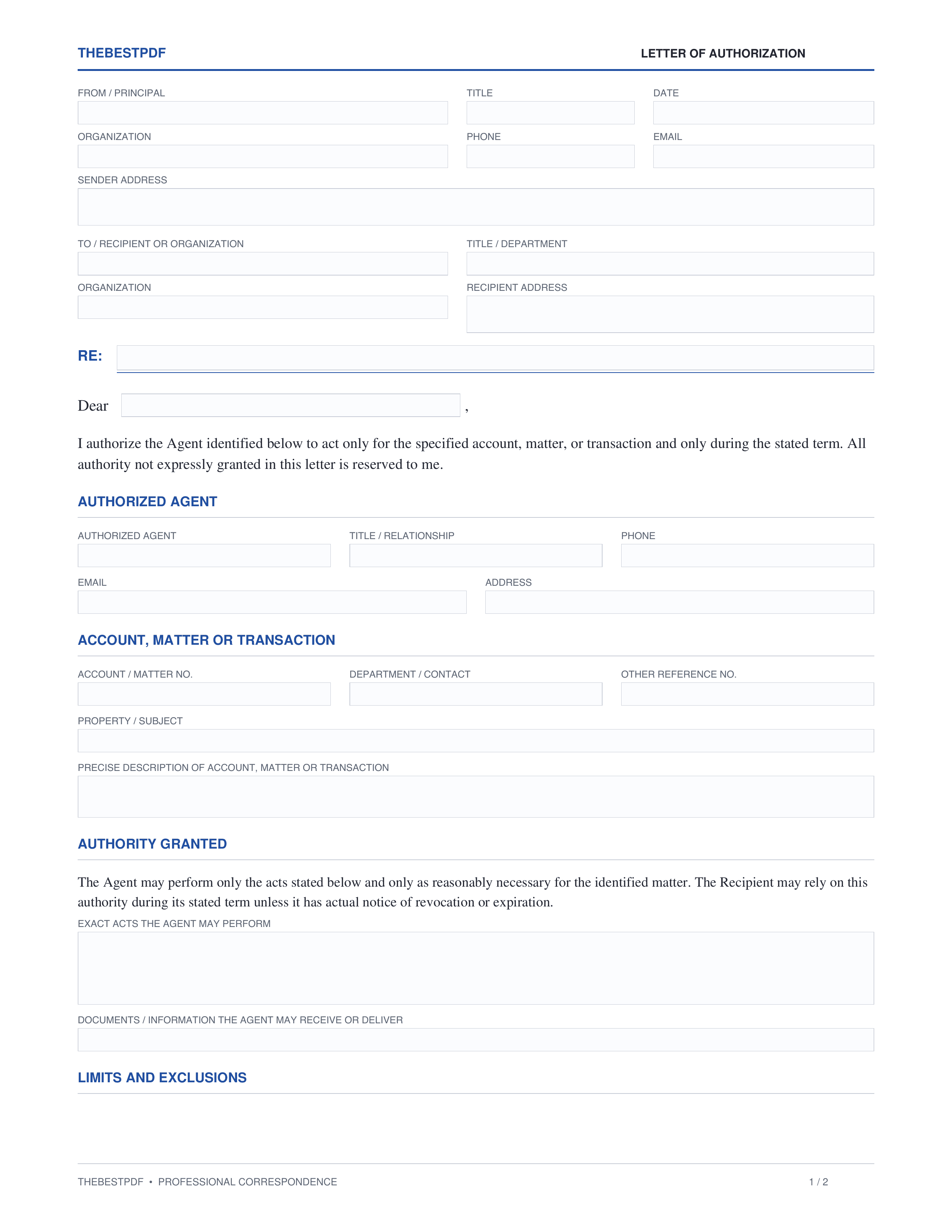
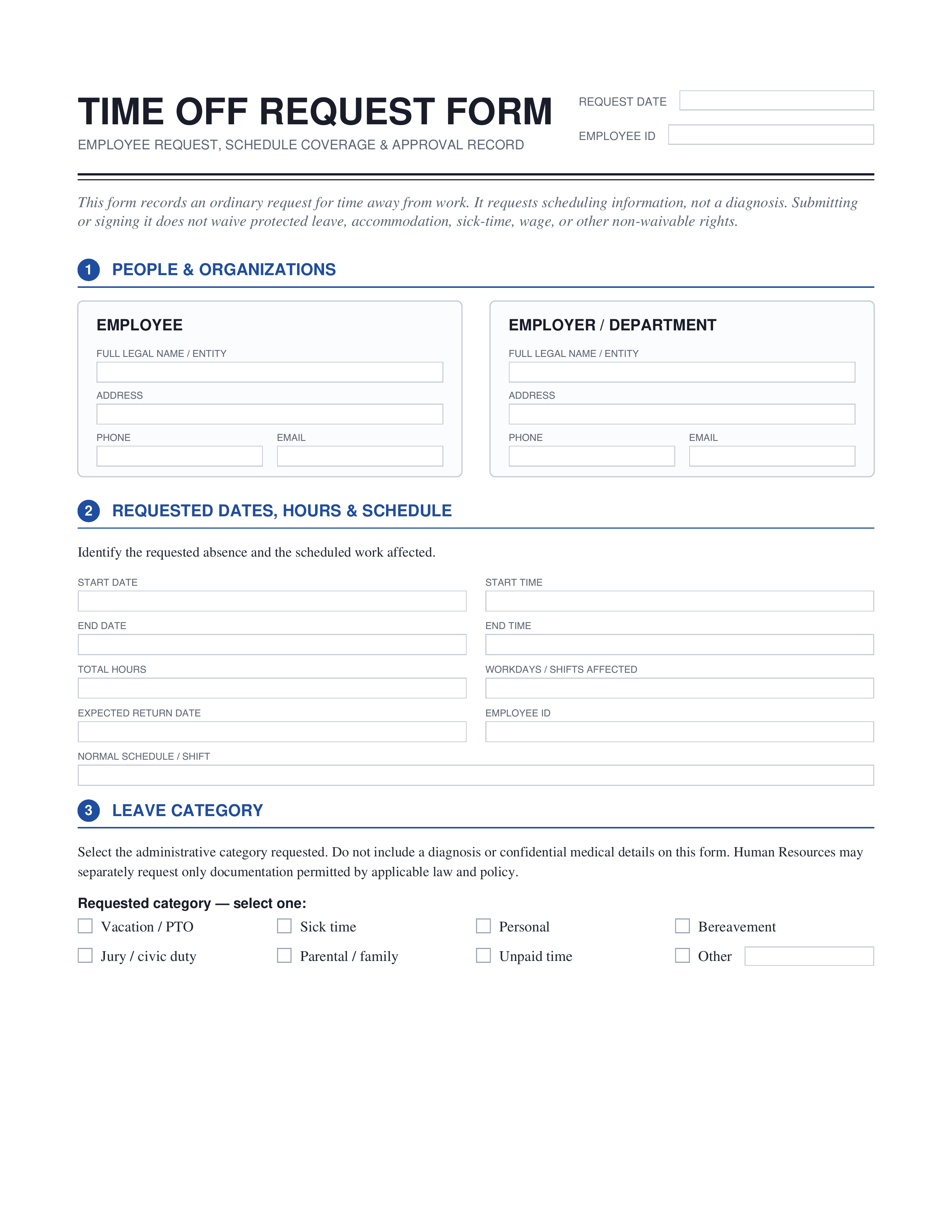
What is a letter?
A letter is a written form of communication that can be sent and received by mail or digitally. Professional letter templates help create structured letters for various purposes, such as business correspondence, job applications, or personal communications. Using a letter maker can ease the process of creating a letter, ensuring a formal presentation and proper letterhead use.
How to format a letter
Essential elements every letter should include for clarity.
| Element | What it covers |
|---|---|
| Sender's address | Your home or business address at the top of the letter. |
| Date | The date when the letter is written, typically below the sender’s address. |
| Recipient's address | The address of the person or organization you are writing to. |
| Salutation | A formal greeting to the recipient, such as 'Dear Mr. Smith'. |
| Body | The main content of the letter, clearly expressing the message. |
| Closing | A polite closure, like 'Sincerely', followed by your signature. |
Who uses letter templates?
Letter layout
For those ensuring a clean, professional look with structured letters.
Letter outline
Ideal for creating formal letters with essential elements well-presented.
Letter background
Used for letters requiring a specific background design or branding.
Digital letters
Perfect for sending via email or other digital platforms for quick communication.
Print letters
Best for traditional correspondence, allowing for physical copies to be sent.
How to make a letter
Follow these steps to create a letter.
Open the template
Select a professional letter template from our extensive collection to get started.
Fill in the template
Customize your selected letter using our editor by adjusting fonts and layout.
Download the letter
Save your personalized letter as a PDF or print it directly for immediate use.
Frequently asked questions




